The Chat guidance allows you to personalize your Chat to fit your exact needs.
Communication style
#
Decide what style of communication should the chat use.
E.g. “Introduce yourself with a greeting and use friendly and easy-to-understand language.”
Content & clarification
#
Configure how your Chat handles follow-up questions. Here you can add as many additional setting as you need by clicking on Add trigger
E.g. “Always ask follow-up questions to better understand the customer’s needs before potential results.”.
...Basics
#
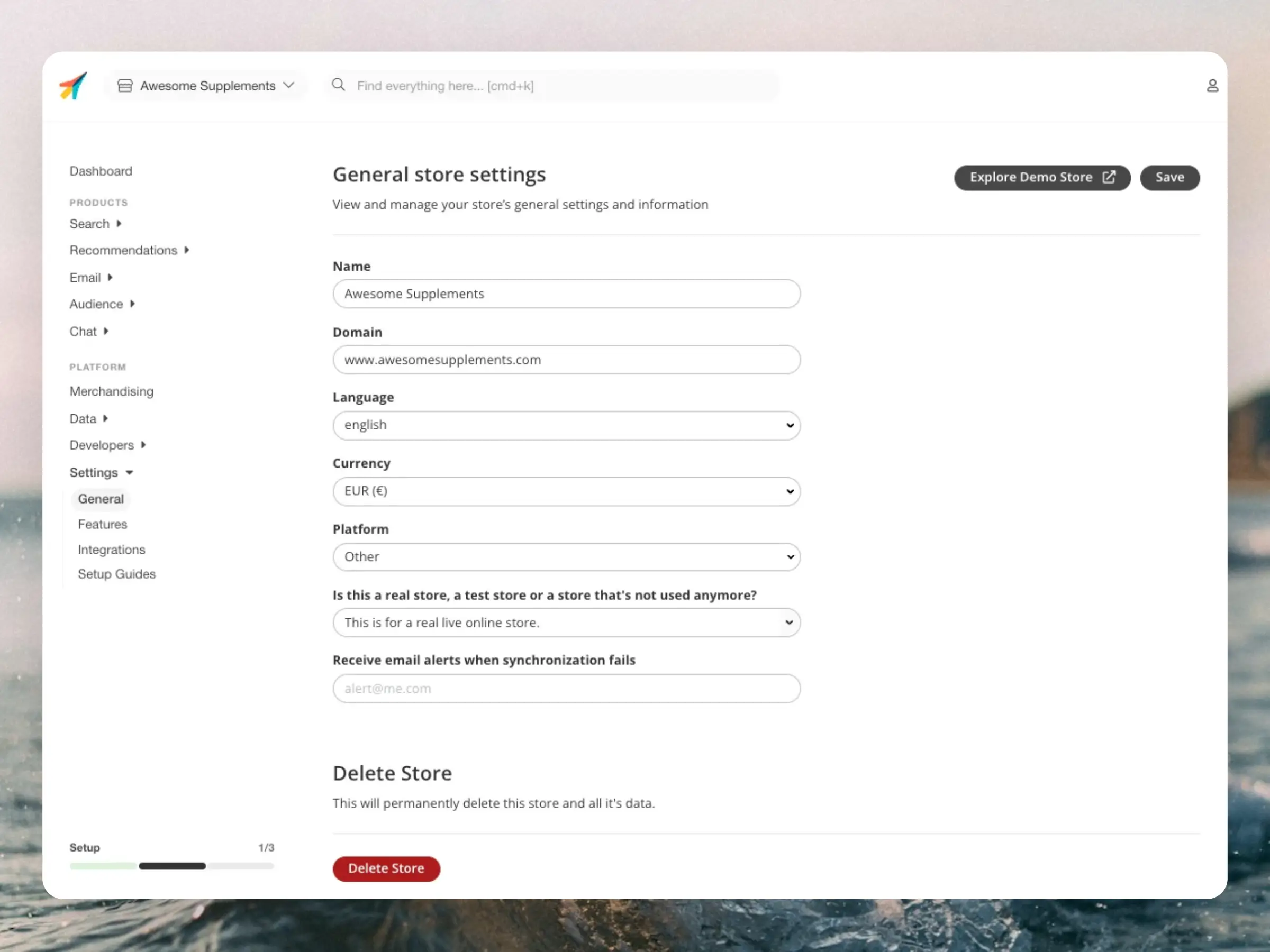
A Store is a separate entity in Clerk.io that contains all the data and settings for a specific domain. This can be a unique webshop, platform, language version, or anything else that should function as a separate entity.
They work completely separately and do not share data between each other. The only exception is that some features like Merchandising and Synonyms can be added across multiple Stores at once when needed.
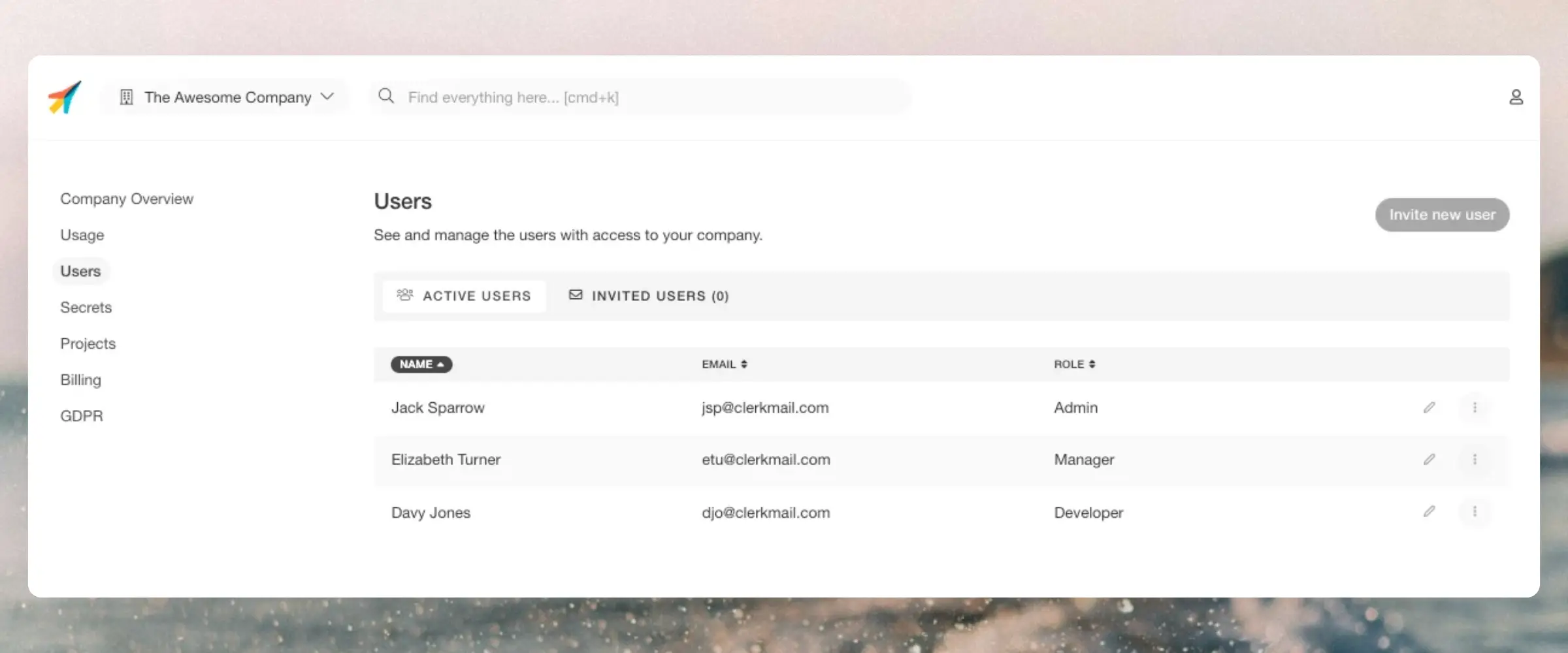
...A single User has access to all Companies, and usually all Stores that they are added to, from a single my.clerk.io login. There are no extra charges for users, so we recommend that everyone working with Clerk has their own user.
Inviting new users
#
Users with Admin or Manager roles can add new team members to a Clerk.io account.
- Click your Store name in the upper left corner
- Click your Company name in the top of the dropdown
- Click Users
- Click the button Invite new user
- Enter their email address
- Set the role that best matches their needs
- Click Send invite
Getting access
#
If a user already has access to another Clerk.io Company, they will automatically have access to your Company next time they log in.
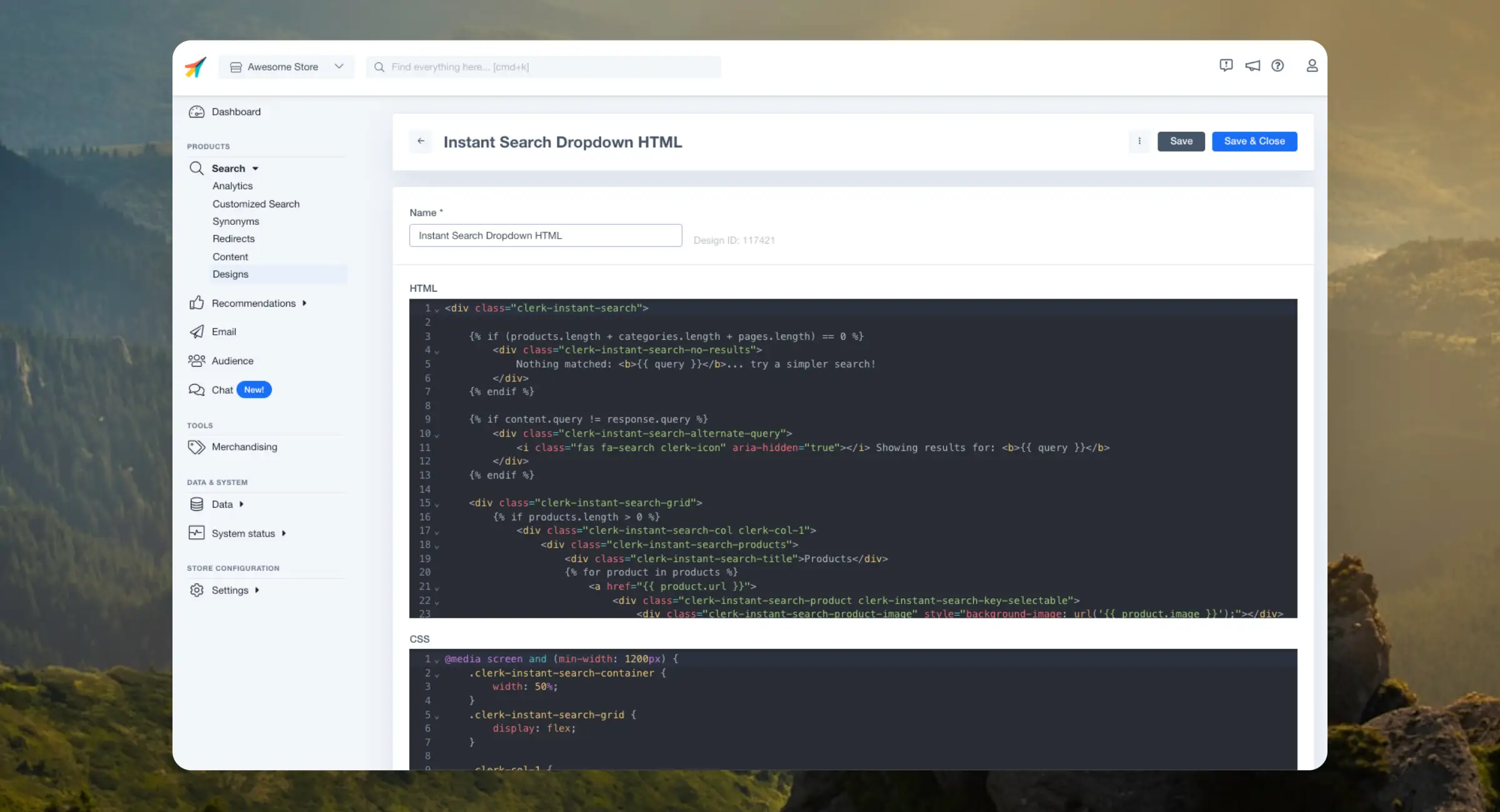
...Clerk.io uses Liquid for managing code designs. It’s a safe and flexible templating language that enables you to create any kind of design you want for your Clerk.io elements.You can build designs by writing HTML, CSS, and Liquid directly in the code editor — or by describing what you want to an AI that writes the code for you.
Clerk.io uses a subset of Liquid. Only the features listed in our Clerk.js Template Language are supported in Code Designs.
...
Using Clerk should technically be free - you should always earn substantially more than you pay for it. That’s why we’ve built a detailed Dashboard and Analytics for all products, to show how it helps your business.
Precise Tracking
#
One of the great things about our Dashboards is that you can see exactly which orders were impacted by Clerk and how much more valuable they are.
An order is considered impacted by Clerk when a customer has bought at least 1 product from a Clerk element.
...Clerk is built around a powerful API that offers many different ways to display results to customers. These are called Product Logics and offer various functionalities suited to different use cases.
This article explains the available logics for Recommendations and how they work.
The names of these Product Logics match what you see in the my.clerk.io backend when using
Sliders. Each of them has a matching Endpoint in Clerk’s API, which you can inspect in our developer docs using the links provided below.
...Clerk is built around a powerful API that offers many different ways to display results to customers. These are called Product Logics and offer various functionalities suited to different use cases.
This article explains the available logics for Search and how they work.
The names of these Product Logics match what you see in the my.clerk.io backend when using
Content. Each of them has a matching Endpoint in Clerk’s API, which you can inspect in our developer docs using the links provided below.
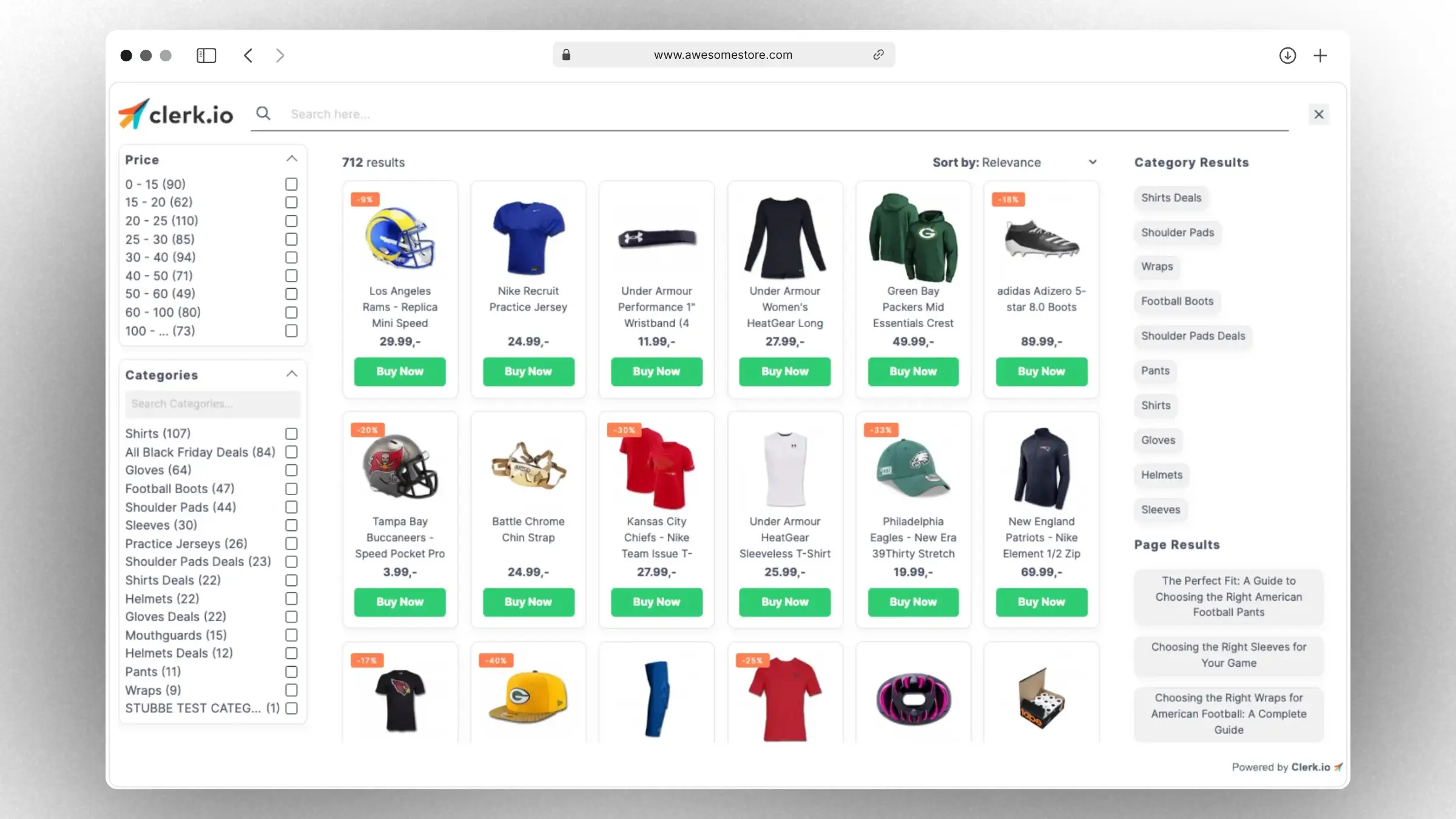
...Powered by Clerks latest Search technology, Omnisearch provides you with the flexibility that you need to offer the best modern search experience:- Live results are shown to your visitors as they type, and include products, categories and pages.
- Sorting and filtering: to let your visitors refine their search in an intuitive an easy way.
- Easy to integrate in your site using one of our great starting templates.
- It matches your brand through changing a few standard settings like logo, fonts, colors and more.
- It’s fully customizable with HTML, CSS and Liquid for
developers.
Getting started
#
Omnisearch consists of a customizable Design for visuals and an Element block that allows it to be installed on your site.
...