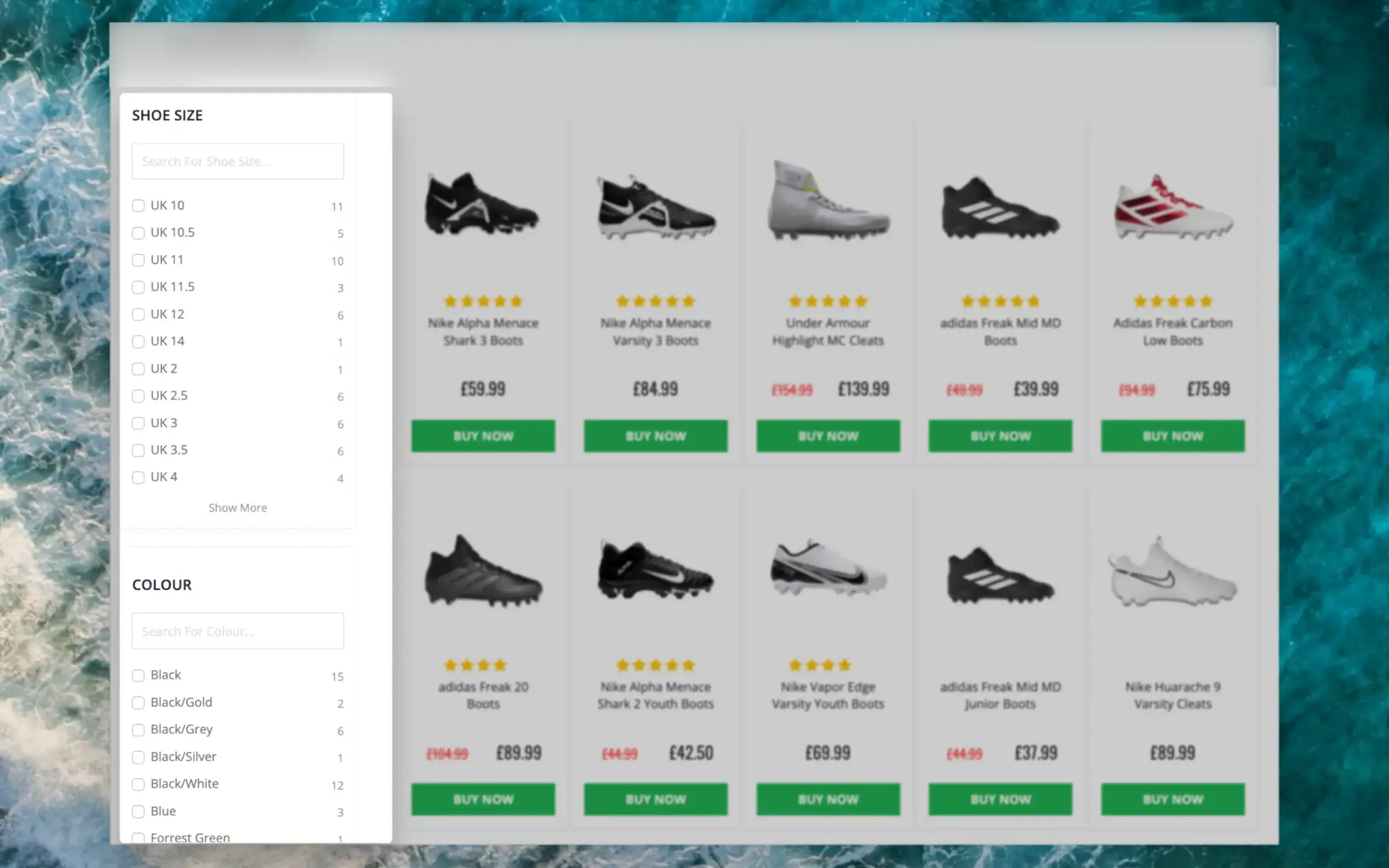
This intelligent filtering feature makes it effortless for visitors to find the right items, even on the largest category pages.
Facets can be used when using Clerk to show
entire category pages, making it easy for visitors to narrow down results.
Dynamic Attributes
#
When your products include various sets of attributes, Facets will show only the filters that relevant for each individual category page.
E.g. a category for “laptops” will likely show specifications like RAM, storage space, screen size and so on, while a category for “headphones” will include their fit, bluetooth functionalities, EQ features and more.
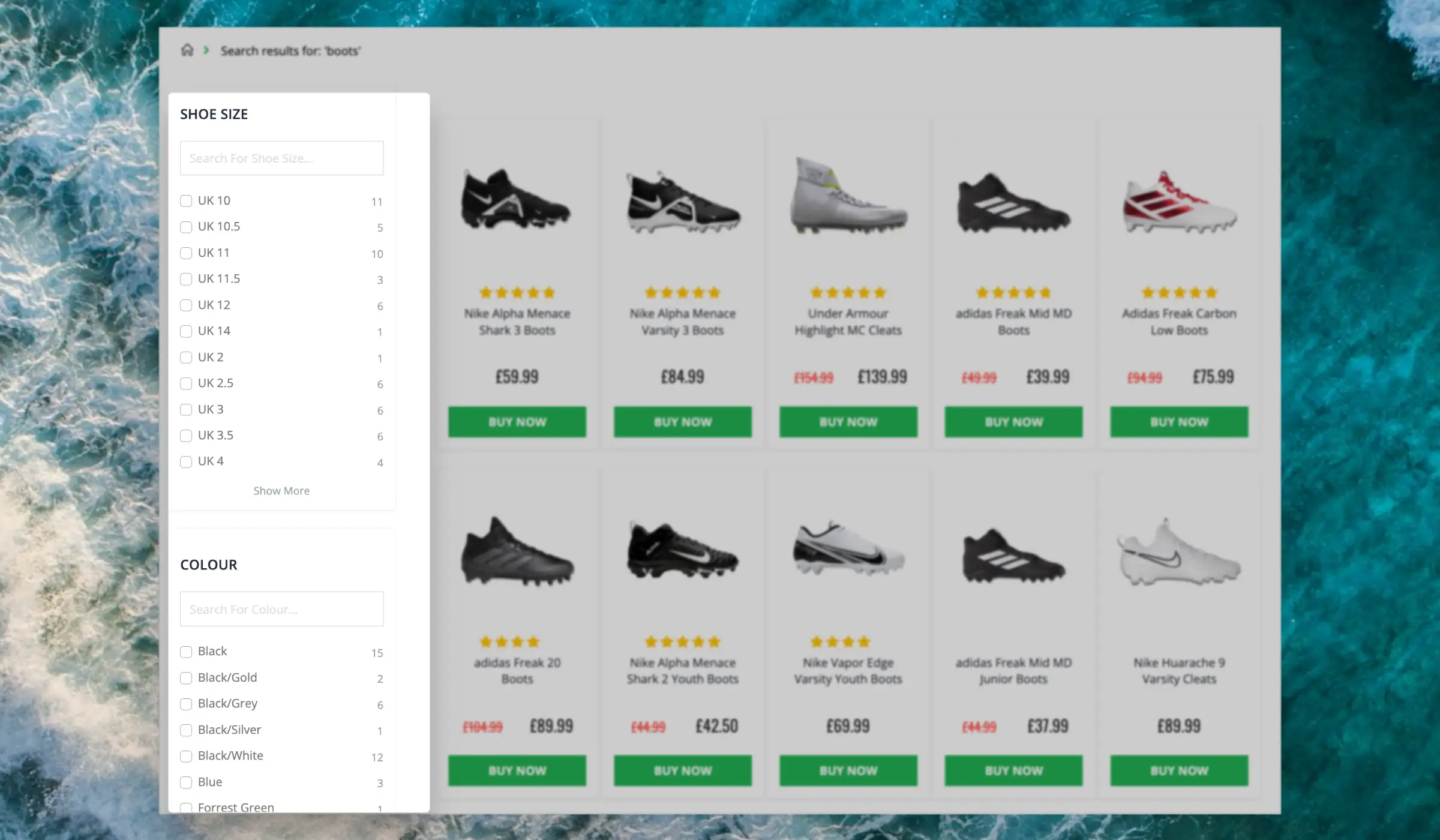
...This intelligent filtering feature makes it effortless for visitors to find the right items, even in the largest sets of search results.
Facets can be used both in the
Search Page and
Omnisearch layouts. Both of these come with several standard designs to get you started with a great search experience.
Dynamic Attributes
#
When your products include various sets of attributes, Facets will show only the filters that relevant for each individual search.
...An AI Newsletter is a one-time email send — dispatched immediately or at a specific date and time you choose.
They are called AI Newsletters because when you create one, Clerk.io can generate the content for you based on a plain-language description. You can also skip that step and configure everything manually.
For recurring scheduled sends, use
Flows instead.
Creating with AI
#
When you click New to create an AI Newsletter, Clerk.io prompts you to describe what kind of newsletter you want to send.
...Basics
#
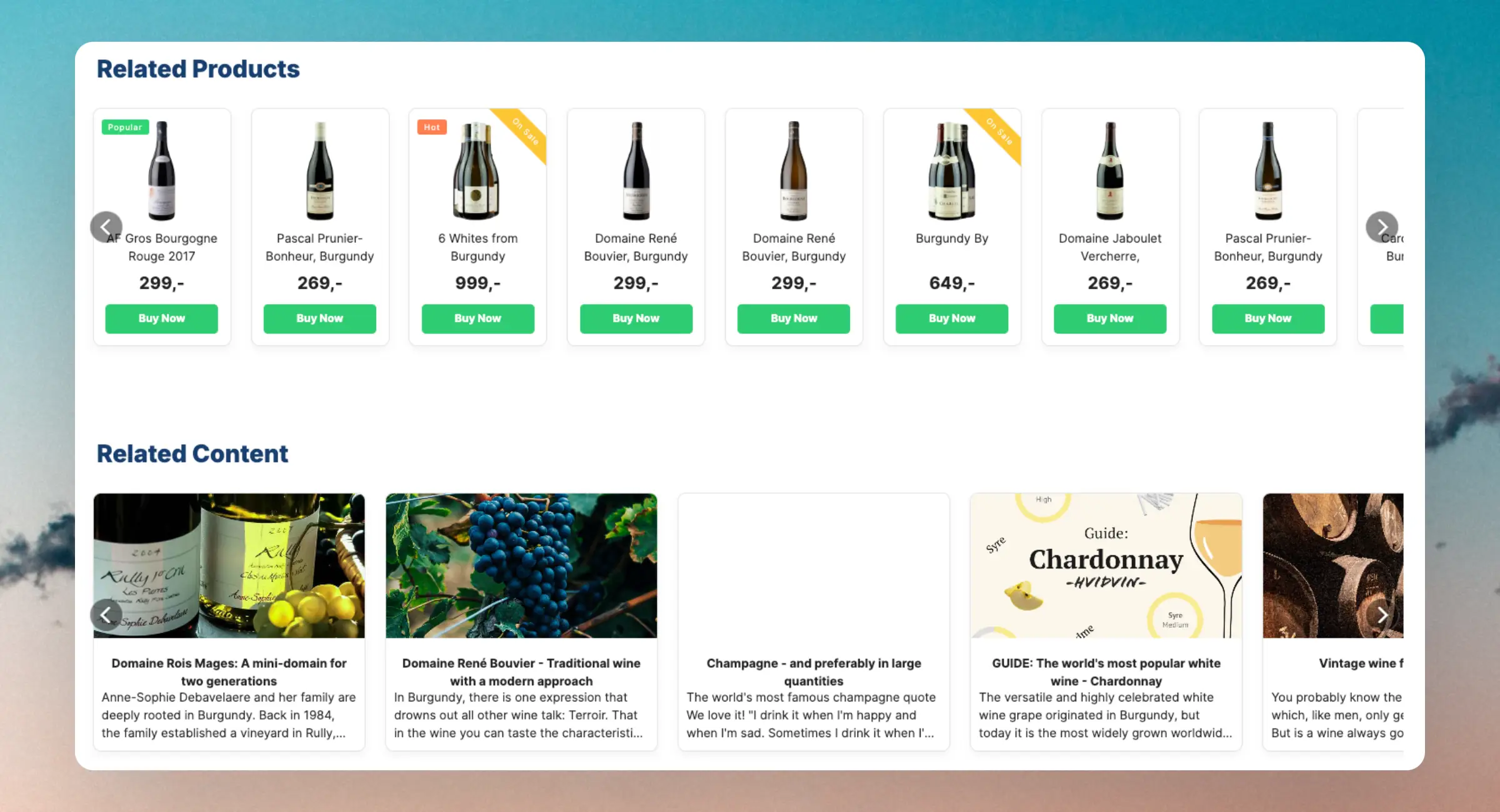
Using Clerk.io’s Recommendations, you can add fully automated banners that enhance content discovery for customers.
They rely on the pages data to automate banners on content pages.
Through several logics that can be used directly on your content pages, categories, and products, you can ensure that customers find blogs and articles that are related to what they are viewing.
Most importantly, it also allows you to sell directly from your content pages, creating a feedback loop of discovery and conversion.
...Overview
#
Clerk collects parcel tracking data connected to your orders, including tracking codes and delivery statuses. This makes it easy to look up delivery progress directly in my.clerk.io and to verify the information that the Chat can use when customers ask about their orders.
This feature exposes existing parcel data in the interface. It does not, by itself, enable the Chat to answer about parcels. For Chat, see Chat > Configuration > Parcel Tracking.
Where to find it
#
- Parcels section: Go to Data > Parcels to browse all parcels across orders. You can search by order ID or tracking code.
- Order details: Open any order in Data > Orders to see the “Parcel Tracking Information” panel listing all parcels attached to that order.
Fields shown
#
Both the Parcels overview and the order details panel show a table with the following fields:
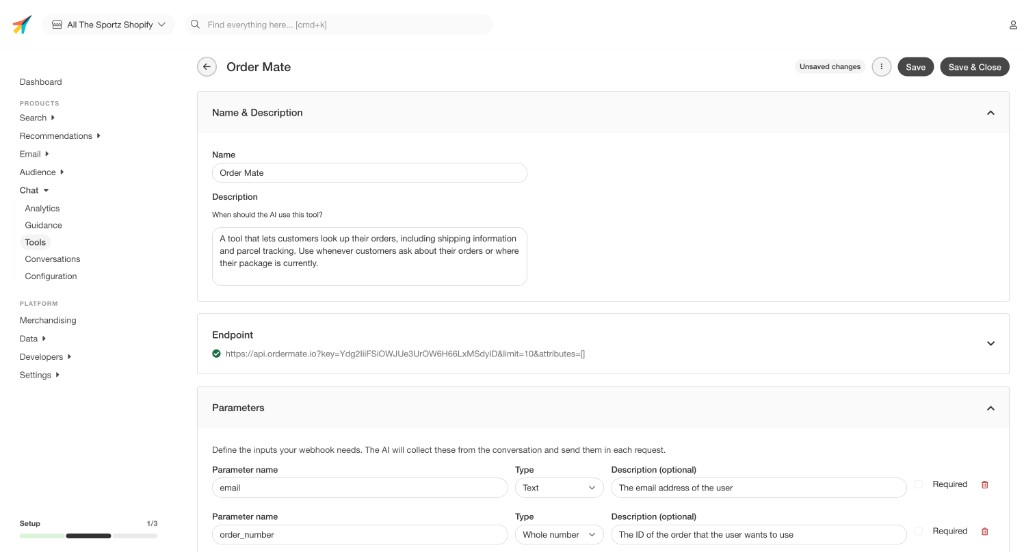
...Tools let Chat call external APIs during a conversation. When a visitor asks something that requires live data — like order status, inventory levels, or loyalty points — Chat can fetch it automatically and respond with actual information from your systems.
Any service that has an API can be connected as a Tool.
Go to Chat > Tools and click + Add another tool to open the tool editor.
...Overview
#
The Visitor Log lets you look up everything Clerk recorded for one visitor and is useful for debugging searches, recommendations, and page views. Each entry shows what was called, which inputs were used, what the API returned, and the context used to make the decision.
Where to find it
#
- Go to Data > Visitors in
my.clerk.io.
- Paste a Visitor ID and choose Search Visitor.
Get a Visitor ID
#
Use the Visitor ID endpoint to retrieve the ID for the browser you want to inspect:
...July 1, 2025
Overview
#
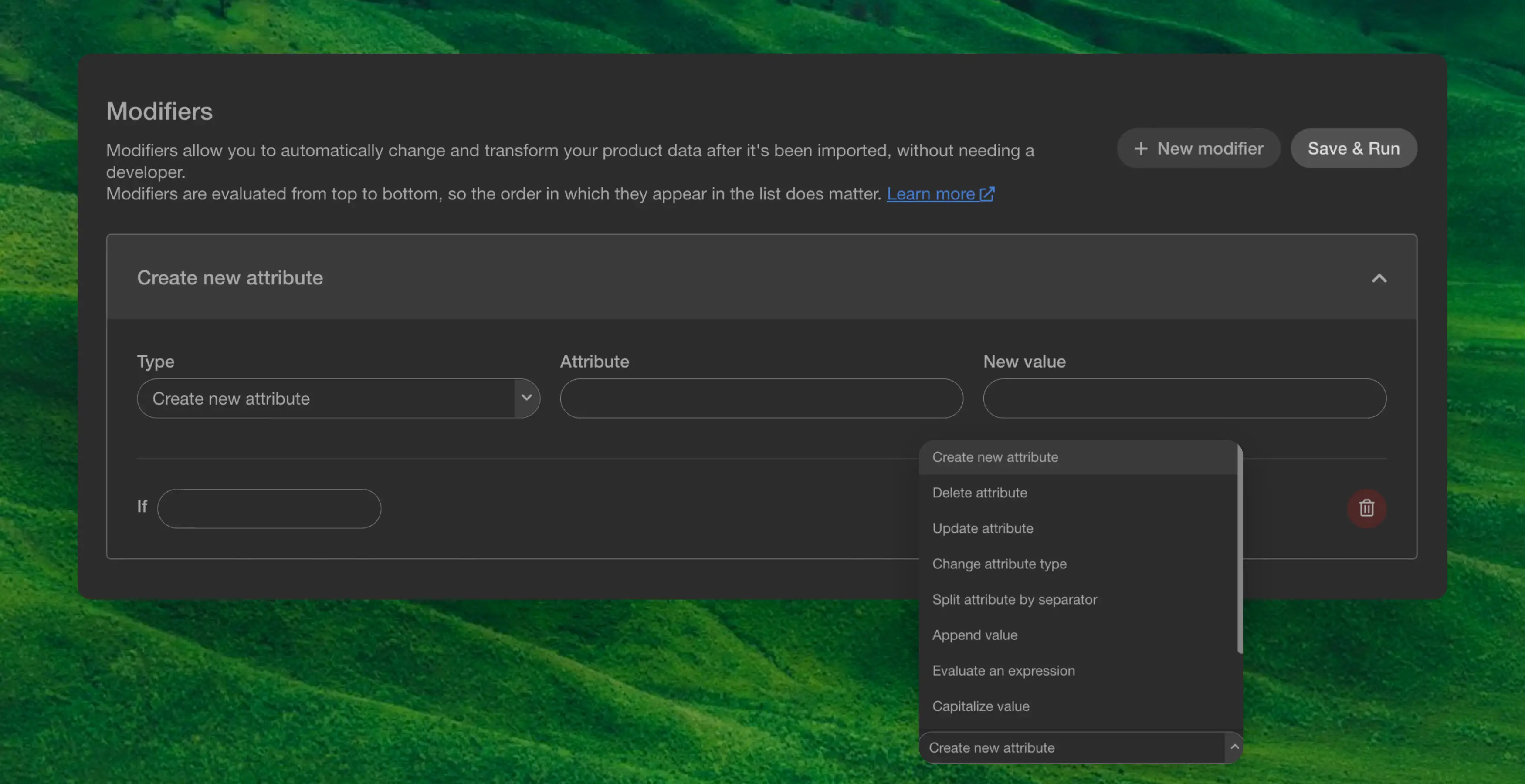
Modifiers let you change product data after the sync, without touching your data feed or involving a developer. Modifiers are evaluated from top to bottom, so the order they appear in the list matters.
There are two ways to create a modifier: using AI Modifiers, which is the recommended approach, or choosing one of the standard modifier types for simpler, predefined transformations.
AI Modifiers
#
AI Modifiers are the default and recommended way to create modifiers. Instead of configuring individual fields and rules, you simply describe what you want the modifier to do in plain language, and the AI generates a Python function that transforms your product data accordingly.
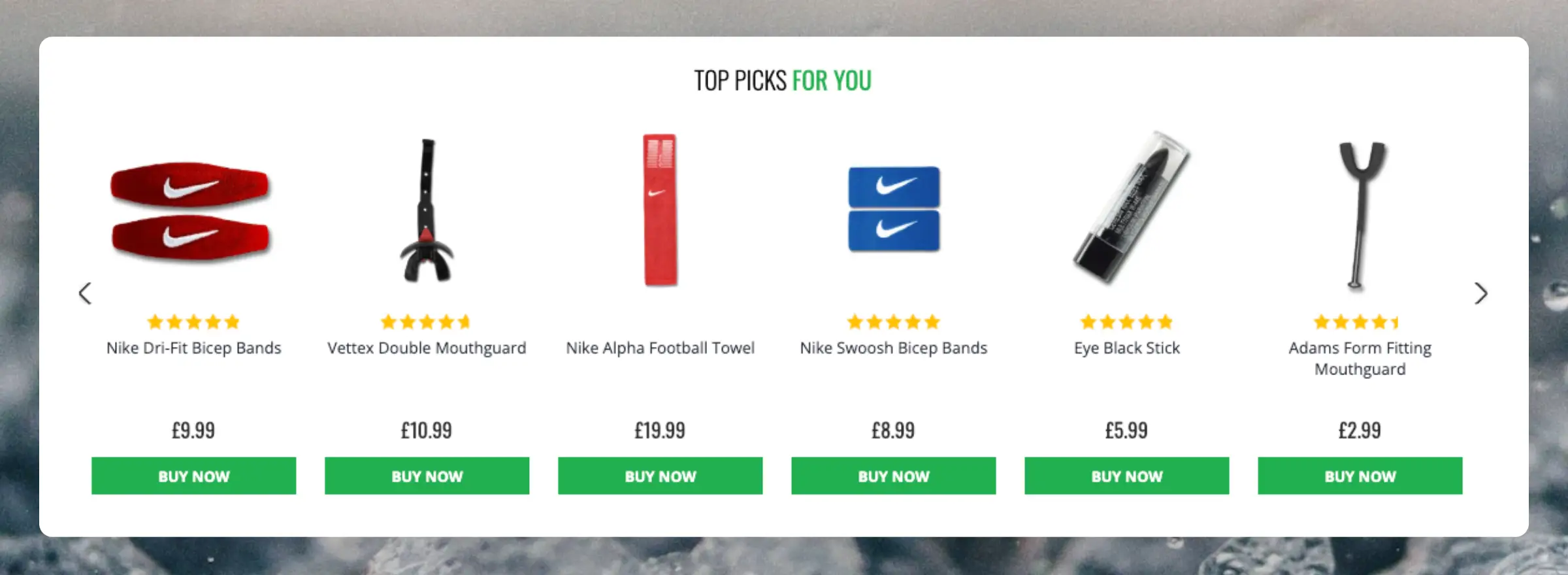
...Clerk.io offers more than 23 different types of product logics, making it possible for you to display completely automated products on any page. This article explains how to get started when using a
Clerk.js setup.
For our full Best Practices, read
this article on which Recommendations to use.
Slider Setup
#
Recommendations are created with
Elements that reference a Design. Below is the basic guide for setting up an Element.
...