Shoporama
Shopware 6
Swiipe
Ubivox
Sync Data
Automatically sync Audiences to Ubivox so your lists are always up to date. This guide walks you through setting up the integration and syncing your Audiences.
Clerk never pushes new email addresses to Ubivox. We update existing contacts and lists, based on email addresses already in the platform.
Get authentication details #
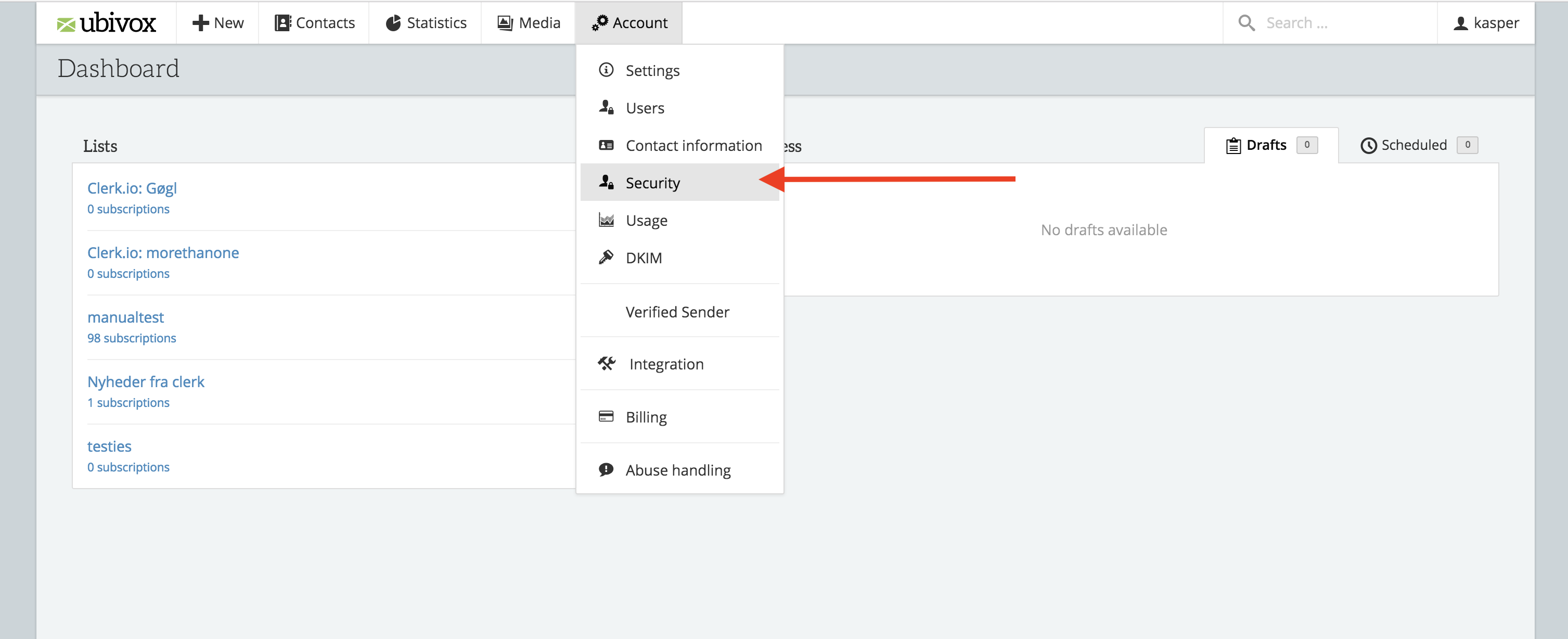
- In the Ubivox backend start by going to Account -> Security
- Click API Authentication to see the first two necessary fields.
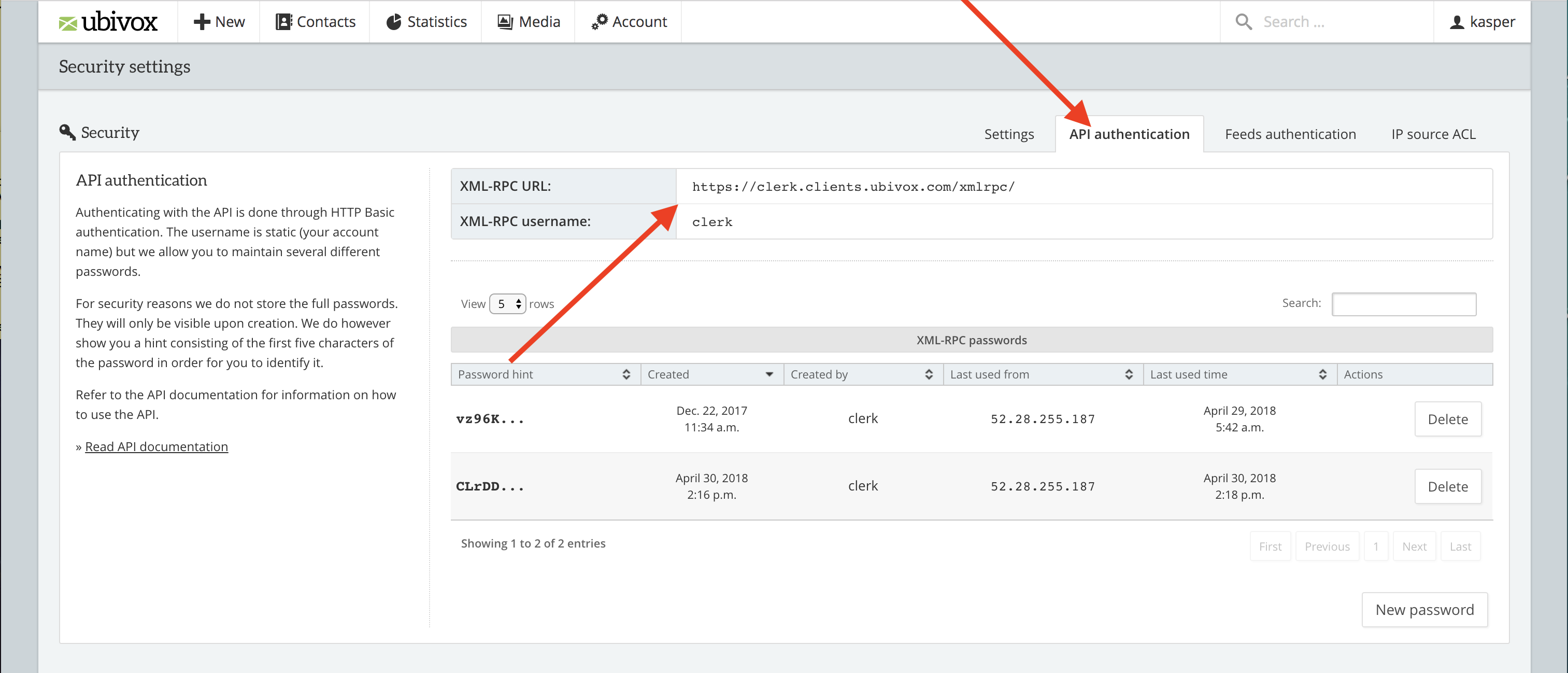
Copy the details to a text file or as a note. You will need them later.
...
Umbraco
Woocommerce
Filters
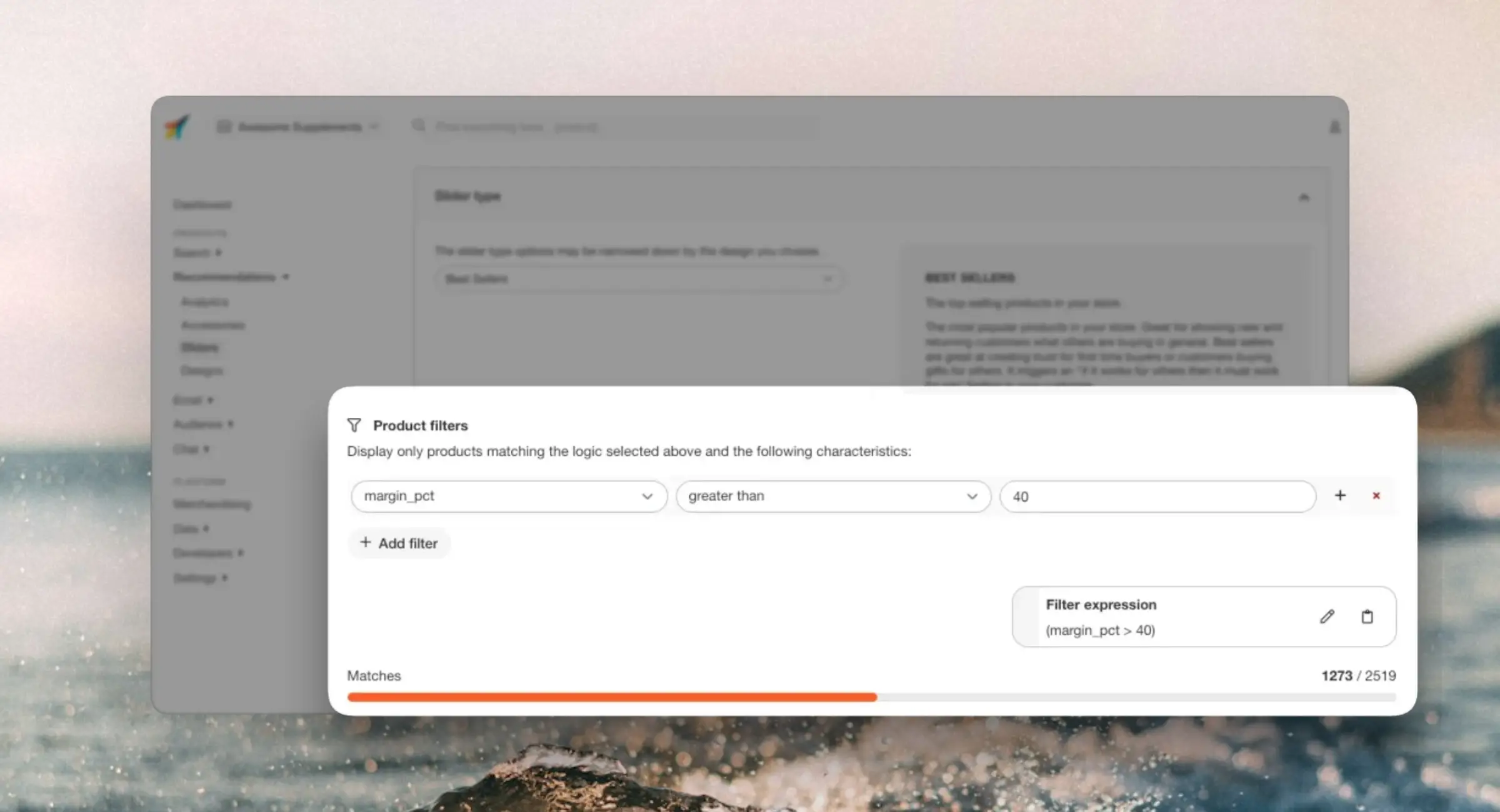
Filter interface #
Filters can be used for each Content to narrow down results based on your product-attributes.
You will locate this option in each Content you create for Recommendations, Search or Email, under Content type > Product filters.
Each part of the filter consists of the following:
- An attribute to filter by
- A comparison deciding how the attribute should be compared to the value
- A value deciding what the attribute should be compared to
You can create filters based on any product attributes you send to Clerk. The available comparison operators depend on the type of attribute you filter by.
...