Clerk’s AI Chat is your webshop’s trusted advisor. This always-online assistant provides fact-based, humanlike guidance to customers, helping them make informed decisions without the pressure of aggressive selling.
Whether it’s finding the right materials for a project, answering detailed product questions or outlining information from your blogs, it uses your existing data to deliver reliable advice.
Email marketing for e-commerce platforms can be challenging. Choosing the right content, the best timing and the perfect audience makes a huge difference in the results. But it can be time-consuming and it is not always obvious.
Clerk’s Email helps you speed up the process while taking out a big part of the guesswork. And its highly personalized product recommendations will help you boost conversions.
Automation is an integral part of running a successful business, but combining this with your own marketing goals often means sacrificing the automation.
With our Merchandising tool, you can start influencing results smartly, while keeping the intelligence of an AI that understands your customers.
Our attention spans are getting short, so inspiring visitors to buy from your webshop is crucial. With Clerk.io’s automated Recommendations, you can inspire visitors to buy on any page of your webshop, from day 1.
One of the most important aspects of a webshop, is making it effortless for customers to find what they need. Clerks Search function does just that.
Search is everything you expect from a great modern search function, built specifically for eCommerce. It handles spelling mistakes, allows for full phrase searches and presents results in the order that are most likely to convert.
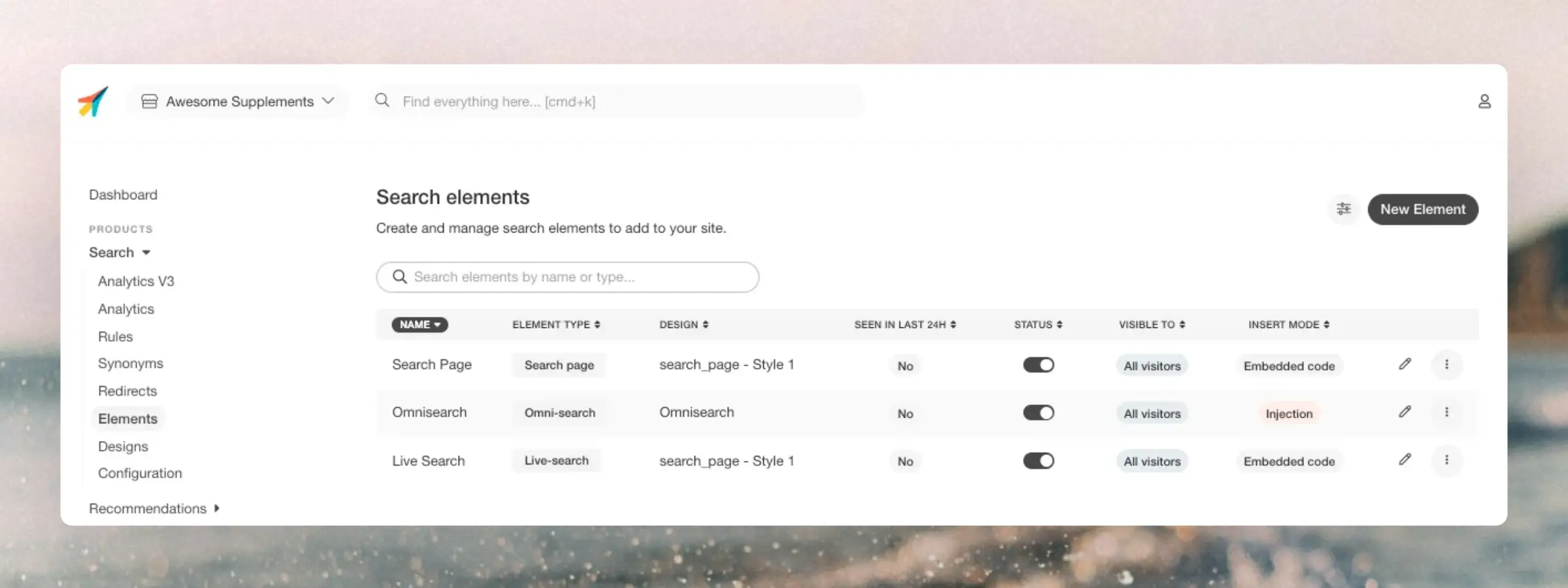
Website Elements makes it easy to work with Elements for Recommendations and Elements for Search results.
The
Designs are stored at Clerk.io, and you only need to insert a small embed code into the page where you want products to show. This can be done by using the
Embedded Code section or the
Injection section.
Any number of Element blocks can be based on a single Design, or you can create separate Designs for each Element.
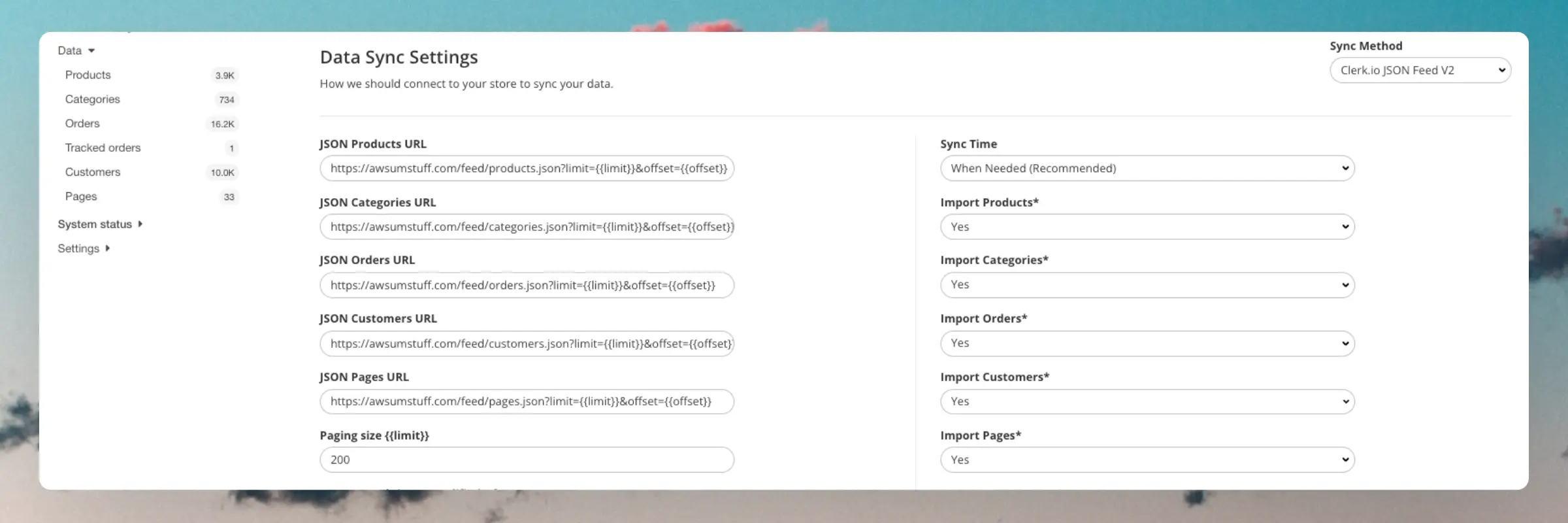
Regardless of your eCommerce platform, and whether we have an integration or not, you can always sync data with Clerk.io through one or more feeds in JSON format.
We support two different variations of the feeds:
Multiple files for different objects
A single file containing all objects
The two solutions use the same object structure, but have various features available for securing and importing them, which are outlined in this guide.
Get Clerk up and running on your BigCommerce store in just a few steps. This guide walks you through connecting your store, installing tracking scripts, and syncing your data.
After following these simple steps you will be able to see your Live Demo, which gives you a personal overview of how Clerk will work on your webshop, before setting up the rest of the system.
Get Clerk up and running on your DanDomain Classic store in just a few steps. This guide walks you through connecting your store, configuring the app, and syncing your data.
The first step of installing Clerk is connecting your store with your Clerk account.
After following these simple steps you will be able to see your Demo Store, which gives you a personal overview of how Clerk will work on your webshop, before setting up the rest of the system.