Shoporama
Sync Data
Learn how to sync and customize data from your Shoporama webshop
Sync your Shoporama products and data to Clerk. This guide covers setting up data synchronization.
Set up Sync #
To sync your Shoporama store data with Clerk, you need to create an API access token in Shoporama and configure it in Clerk.
You will need your API Access Token and your Store URL.
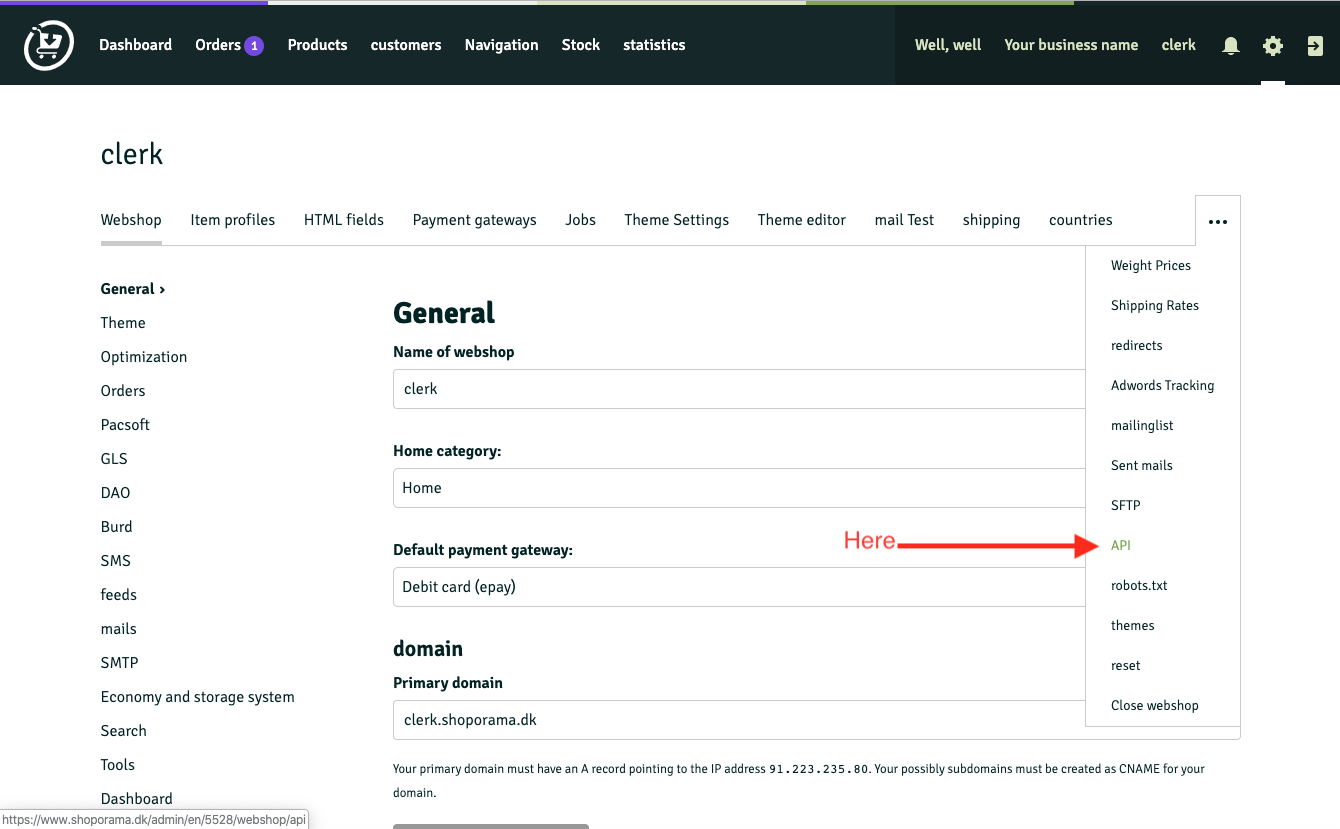
- In Shoporama, go to Settings > API.
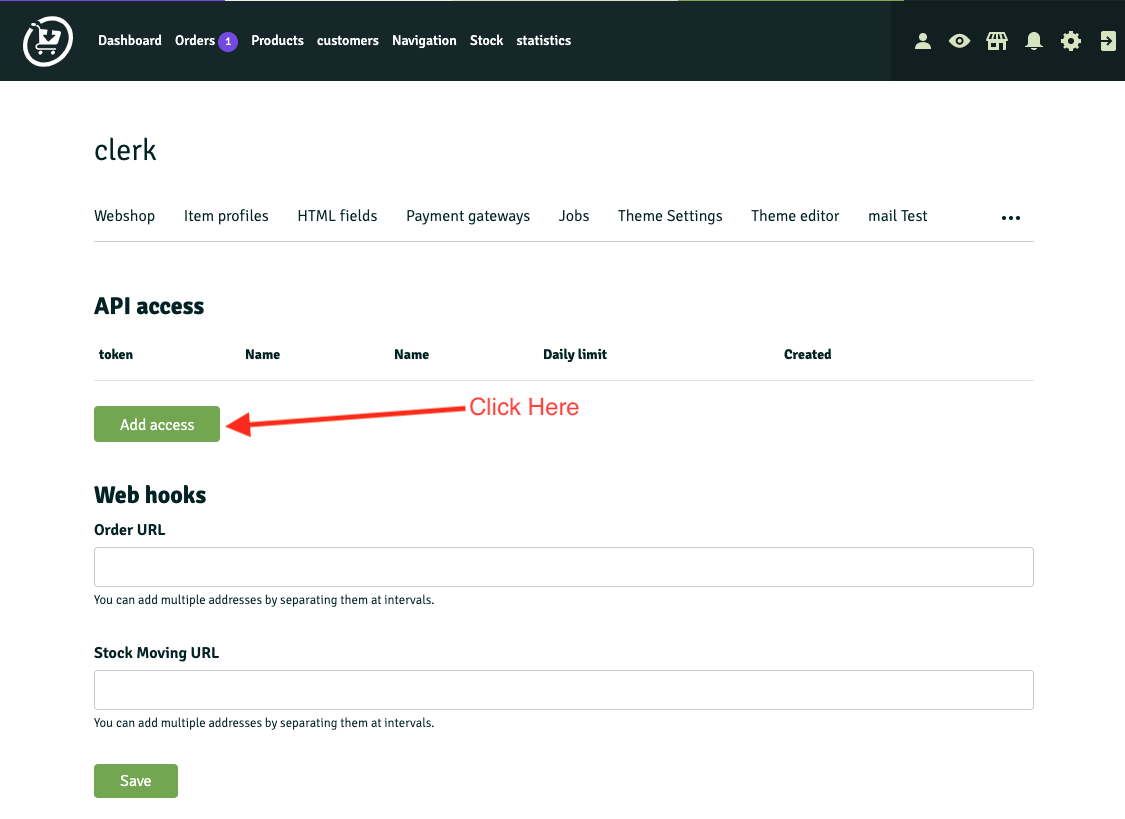
- Click Add access.
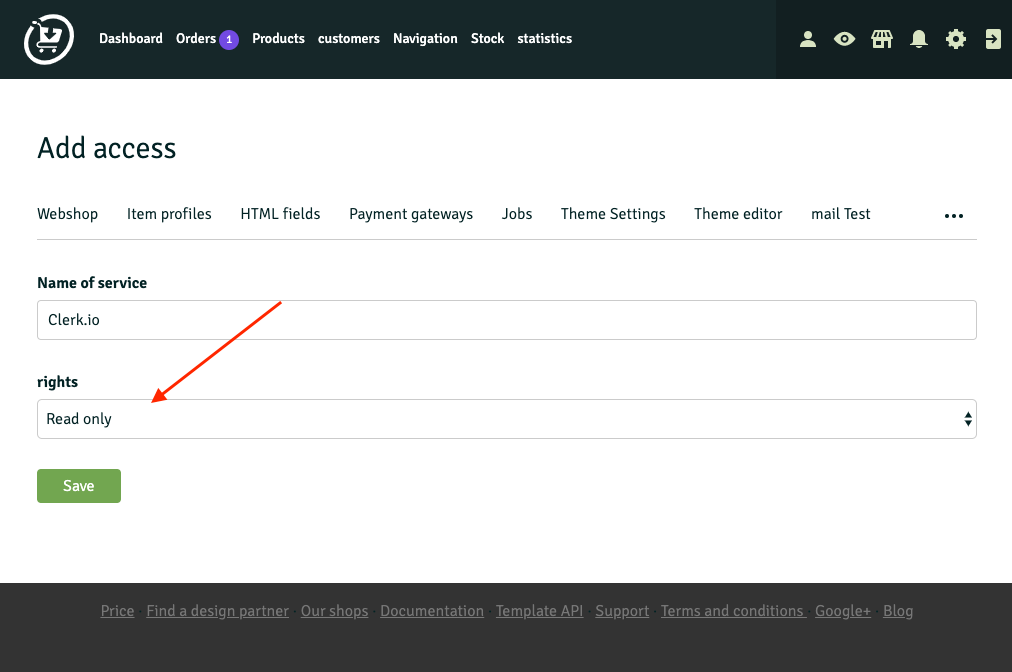
- Name the API account “Clerk.io” and set rights to Read only. Save.
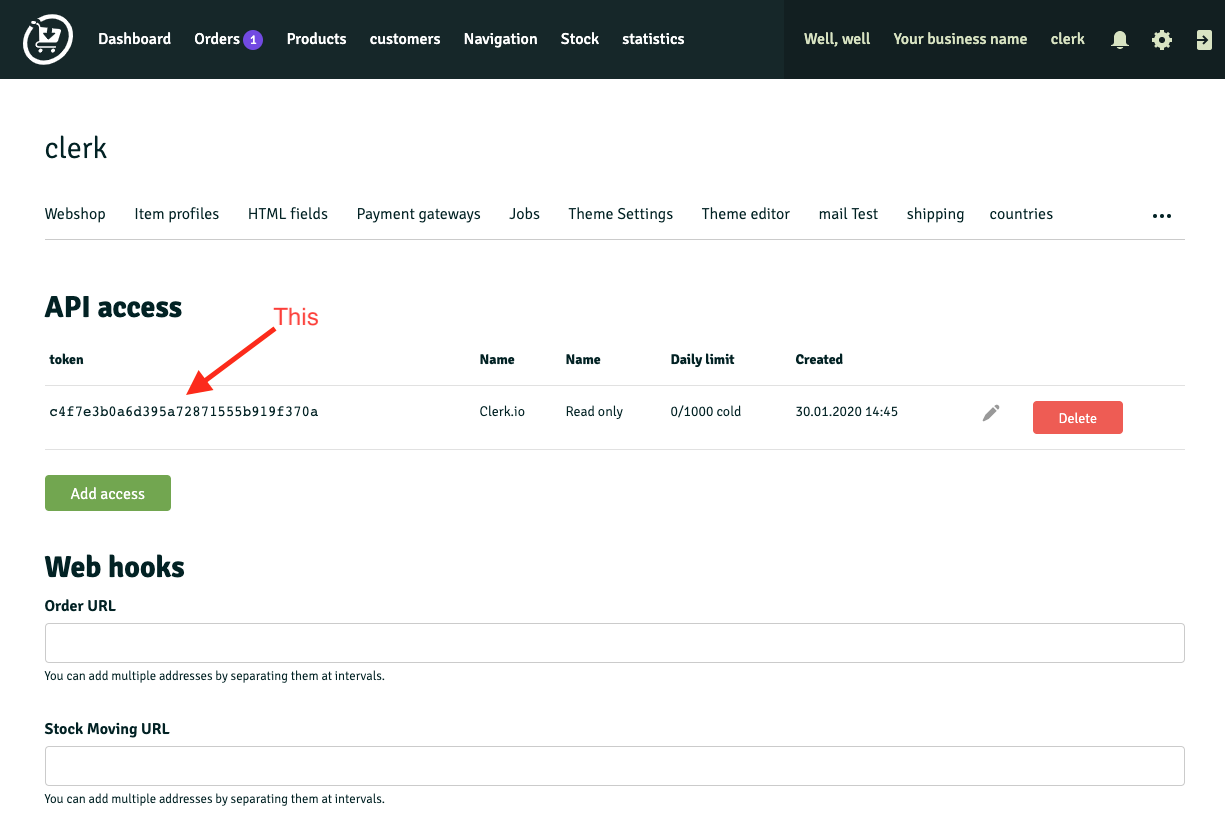
- Copy the generated Access Token.
Go to my.clerk.io > Data > Configuration and paste the Access Token and Store URL into the appropriate fields.
Click Start Sync and wait for the sync to complete.