Analytics
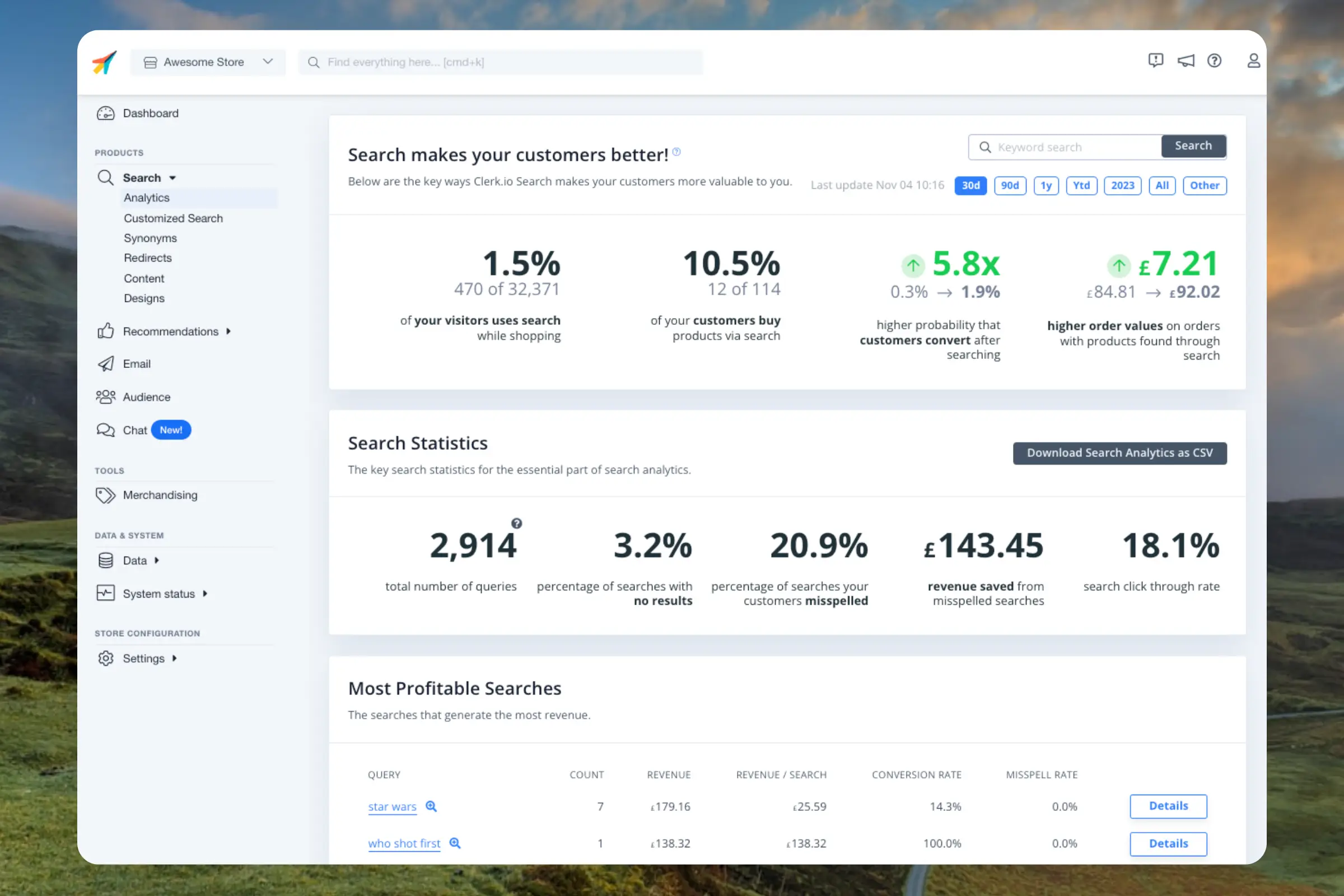
Timeframe #
Use the date-range selector to review 30 days, 90 days, one year, year to date, all data, or a custom period. You can also search for a keyword and download the displayed data.
Revenue overview #
The overview cards show three metrics for the selected period:
- Revenue through Search: Revenue from products people found with Search. This is the same Search figure shown on Home.
- No-result searches: The share of searches that returned no results.
- Visitor usage: The share of visitors who use Search while shopping.
The revenue figure is money. Visitor usage and no-result searches are shares, not money, so do not add these figures together.
Store comparison #
Search Analytics compares conversion rate and average order value for searches that used Search with your store average. This is a comparison, not a controlled A/B test.
Revenue by day #
The Search revenue by day chart shows revenue through Search for each day in the selected period.
Search tables #
Use the tables to inspect the queries behind your search performance. Most profitable and most popular searches include the query, count, revenue, revenue per search, click-through rate, and conversion rate. Sort a table by selecting a column, or open a query to view statistics for searches containing it.
Most profitable searches #
Queries that generate the most revenue.
Most popular searches #
Queries that visitors search for most often. These searches help you understand customer demand, even when they do not generate the most revenue.
Searches without results #
Queries for which Search returned no matches. Use these queries to find gaps in product data, catalogue coverage, or synonyms.
Non-converting searches #
Queries that returned results but did not lead to a conversion. Review these queries for mismatched products, missing information, or other opportunities to improve the search experience.
From these query lists, use Search tools such as Synonyms and Rules to improve the results visitors receive.