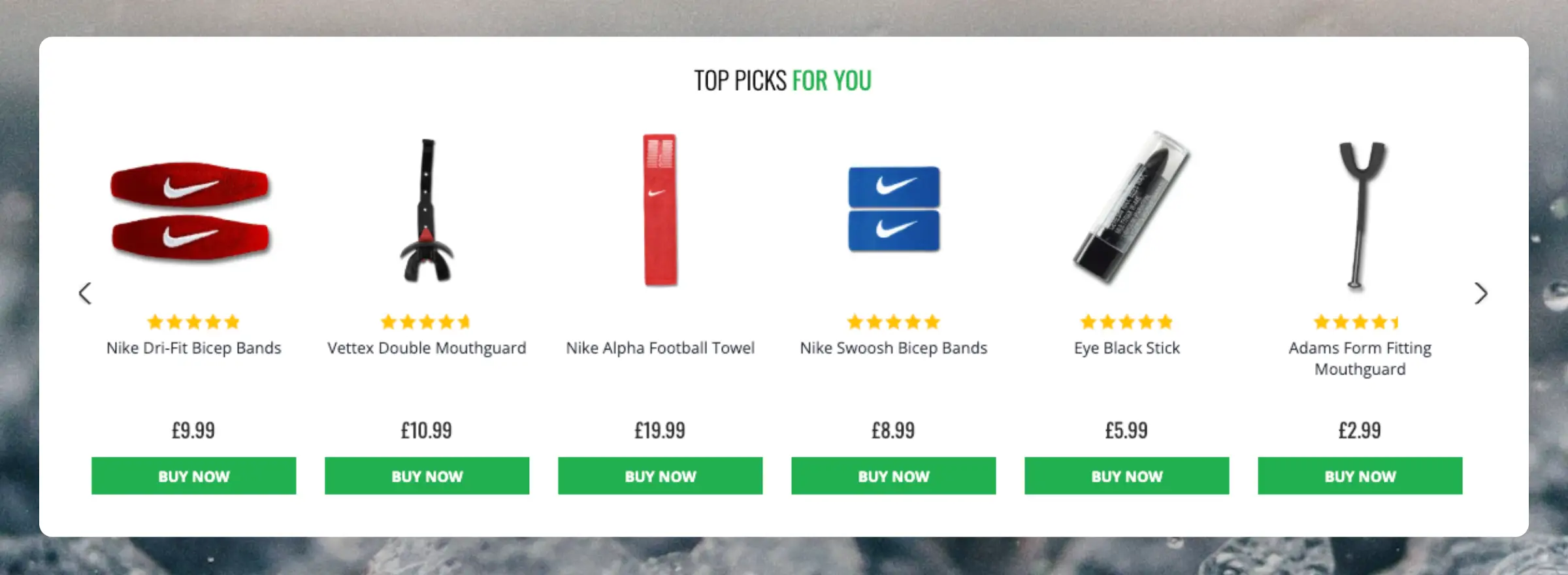
Clerk.io offers more than 20+ different types of product logics, making it possible to show completely automated products on any page. This article explains how to get started with Recommendations using the
PrestaShop module.
For our full best practices on which Recommendations to use, read
this article.
Slider Setup
#
Recommendations are created with
Elements that reference a Design. Below is the basic guide for setting up an Element.
Following the steps in my.clerk.io > Settings > Setup Guides will automatically create the Elements for our Best Practices.
Create Design
#
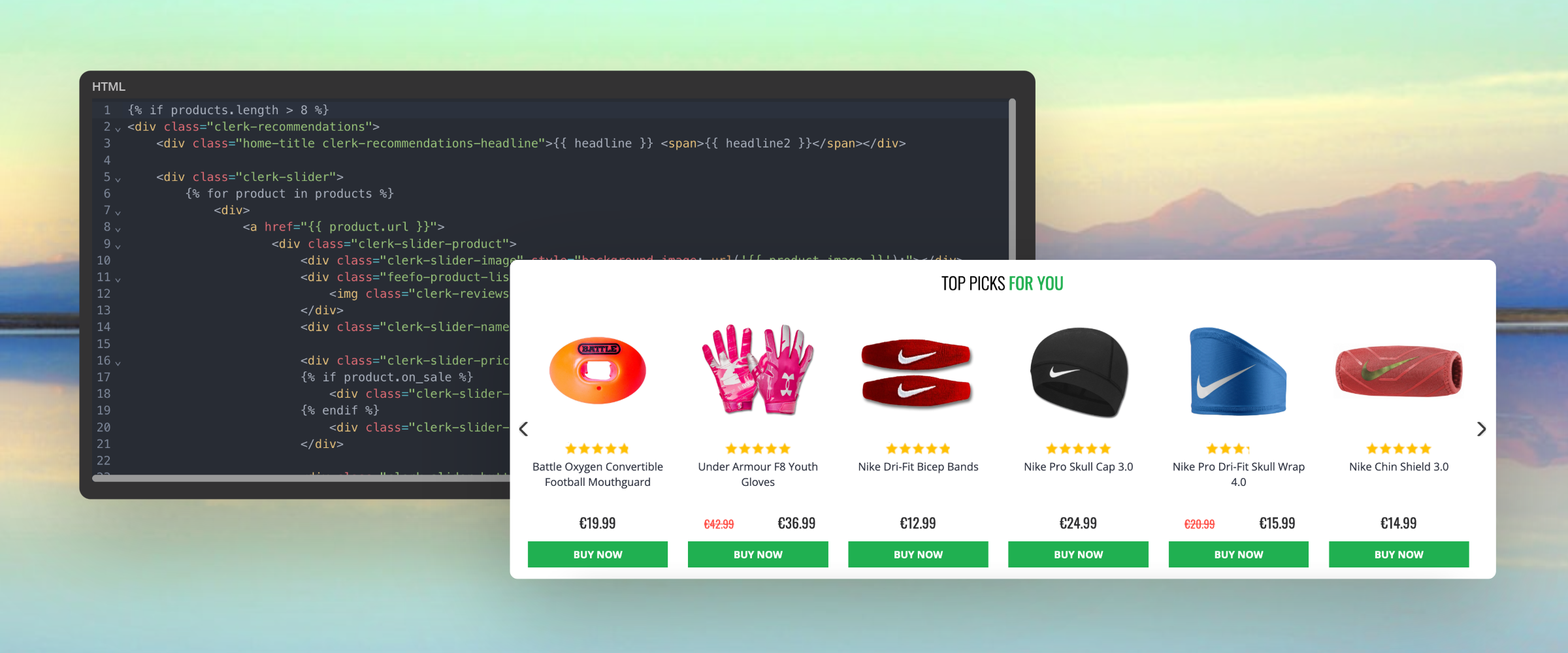
Recommendations are shown as a slider by default. This allows customers to see more products with fewer clicks. You can either use the
Design Editor to configure it visually, or use
code designs.
...Clerk.io offers more than 23 different types of product logics, making it possible to display completely automated products on any page. This article explains how to get started when using a
Clerk.js setup in ScanNet.
For our full Best Practices, read
this article on which Recommendations to use.
Slider Setup
#
Recommendations are created with
Elements that reference a Design. Below is the basic guide for setting up an Element.
Following the steps in my.clerk.io > Settings > Setup Guides will automatically create the Elements for our Best Practices.
Create Design
#
Recommendations are shown as a slider by default. This allows customers to see more products with fewer clicks. You can either use the
Design Editor to configure it visually, or use
code designs.
...Clerk.io offers more than 23 different types of product logics, making it possible for you to display completely automated products on any page. This article explains how to get started when using a
Clerk.js setup in Shopify.
For our full Best Practices, read
this article on which Recommendations to use.
Slider Setup
#
Recommendations are created with
Elements that reference a Design. Below is the basic guide for setting up an Element.
...Automate and personalise products on any page in Shoporama. Clerk.io offers more than 23 different types of product logics, making it possible for you to display completely automated products on any page.
This article explains how to get started when using a
Clerk.js setup in Shoporama.
For our full Best Practices, read
this article on which Recommendations to use.
Slider setup
#
Recommendations are created with
Elements that reference a Design. Below is the basic guide for setting up an Element.
...Clerk.io offers more than 23 different types of product logics, making it possible for you to display completely automated products on any page. This article explains how to get started when using a
Clerk.js setup in Shopware 6.
For our full Best Practices, read
this article on which Recommendations to use.
Slider Setup
#
Recommendations are created with
Elements that reference a Design. Below is the basic guide for setting up an Element.
...Clerk.io offers more than 23 different types of product logics, making it possible to display completely automated products on any page. This article explains how to get started when using a
Clerk.js setup in SmartWeb.
For our full Best Practices, read
this article on which Recommendations to use.
Slider Setup
#
Recommendations are created with
Elements that reference a Design. Below is the basic guide for setting up an Element.
Following the steps in my.clerk.io > Settings > Setup Guides will automatically create the Elements for our Best Practices.
Create Design
#
Recommendations are shown as a slider by default. This allows customers to see more products with fewer clicks. You can either use the
Design Editor to configure it visually, or use
code designs.
...Clerk.io offers more than 23 different types of product logics, making it possible to show completely automated products on any page. This article explains how to get started with Recommendations using the
WooCommerce plugin.
For our full Best Practices on which Recommendations to use, read
this article.
Slider Setup
#
Recommendations are created with
Elements that reference a Design. Below is the basic guide for setting up an Element.
...Basics
#
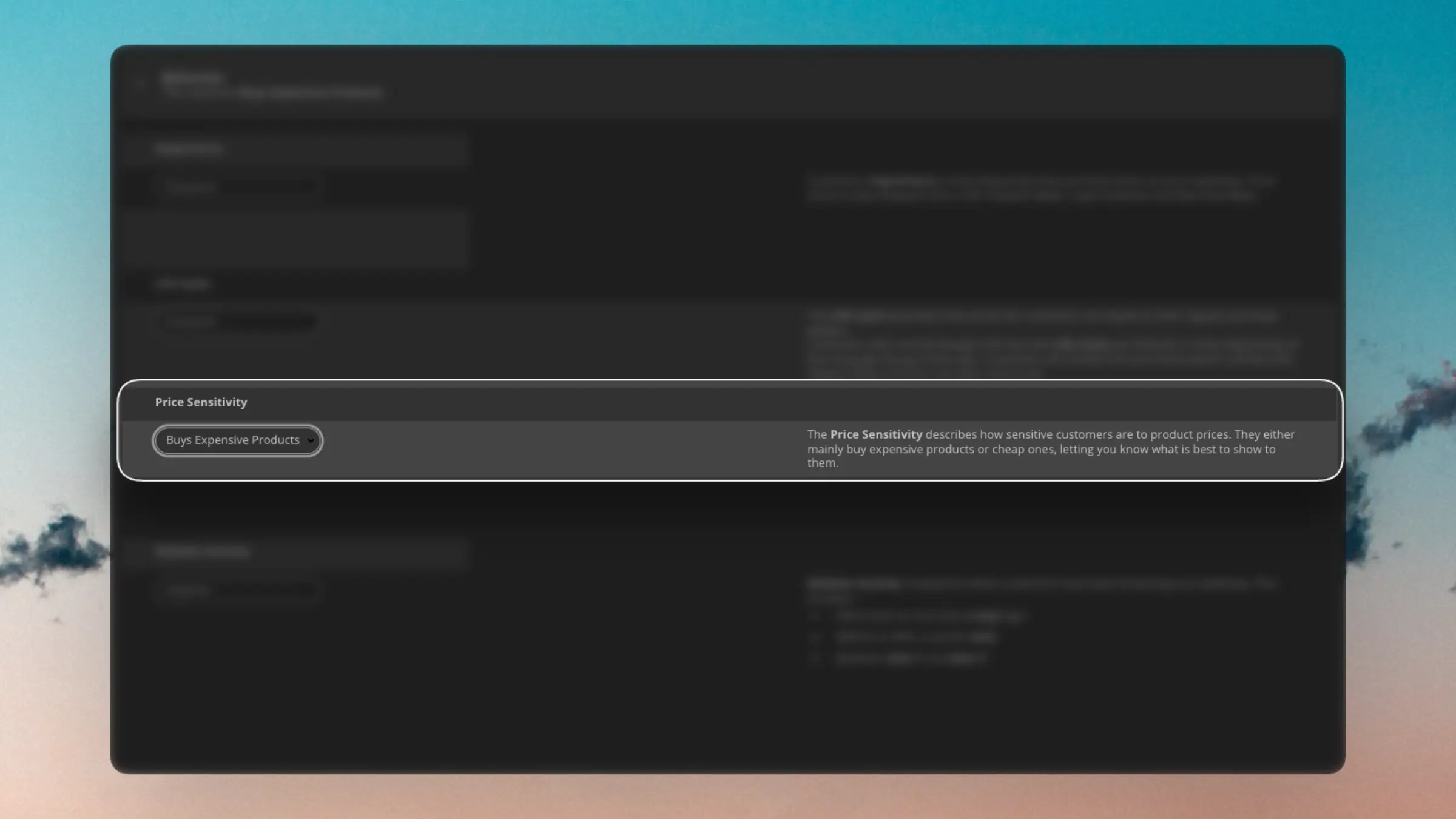
Most webshops sell a wide variety of products across highly different price ranges. For instance, a furniture store might sell couches ranging from just €200 to €10,000.
There will always be a difference in how much customers are willing to spend on your products, and your marketing needs to reflect this to be effective.
Price Sensitivity allows you to segment customers based on how much they are willing to spend on your products, enabling you to find the perfect segments for various product price ranges.
...Use Chat > Conversations in my.clerk.io to review the conversations visitors had with Chat.
Choose a view
#
Switch between the Live Store and Demo Store. You can also choose one of the available date ranges: 7 Days, 30 Days, 90 Days, 1 Year, YTD, All, or Custom.
Review statuses
#
Search for a conversation by its Chat UID. The conversation list includes Summary, Order value, Converted, Direct Impact, Solved, and Created AI.
...Basics
#
Developer Logs help you debug integrations and client‑side usage. You can see requests coming from your site and apps, filter by type, and drill into the details to spot issues quickly.
Find it in my.clerk.io under Developers > Logs for the Store you are working on.
Using filters and search
#
- Start with the type filter to focus on errors and warnings while deploying.
- Use the search bar to find specific messages, endpoints, or identifiers.
- Combine search and type filtering; counts update to reflect the active filters.
Sorting
#
Click the table headers or use the sort menu to order by:
...