Facebook
Sync Data
Set up an Audience Exporter using Facebook Ads
Set up a Facebook Audience Exporter to sync your Clerk Audiences with Facebook Ads. This guide walks you through the integration process.
Setup exporter #
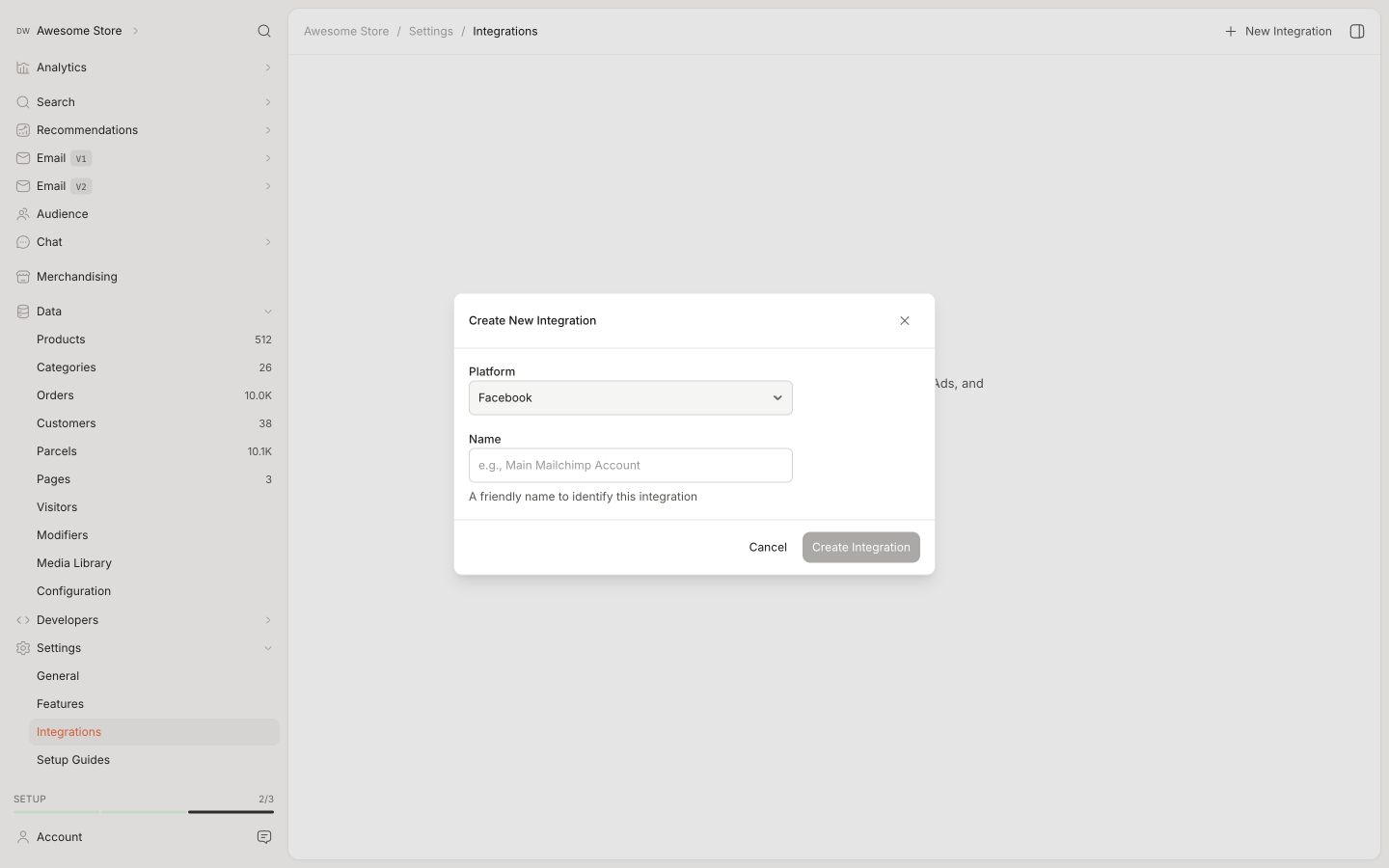
To get started with setting up a Facebook Audience Exporter, head over to your my.clerk.io backend and go to Settings > Integrations.
Click New Integration.
Select “Facebook” for the Platform, and give the integration a name.
Provide your Facebook Ads Account ID, and click “Give Permissions”, then follow the login steps.
Double-check that you have Custom Audiences enabled in Facebook to make sure the Clerk.io integration can sync.
- Click Save Changes and then “Sync” to start syncing Audiences with Facebook.