Sync Data
Sync Audiences from Clerk to Klaviyo and Subscribers from Klaviyo to Clerk. This guide walks you through setting up the integration and syncing your data.
Our Klaviyo integration allows you to sync Audiences from Clerk to Klaviyo and Subscribers from Klaviyo to Clerk.
Clerk never pushes new email addresses to Klaviyo. We update existing contacts and lists, based on email addresses already in the platform.
Configure integration #
Login to my.clerk.io
Go to Settings > Integrations
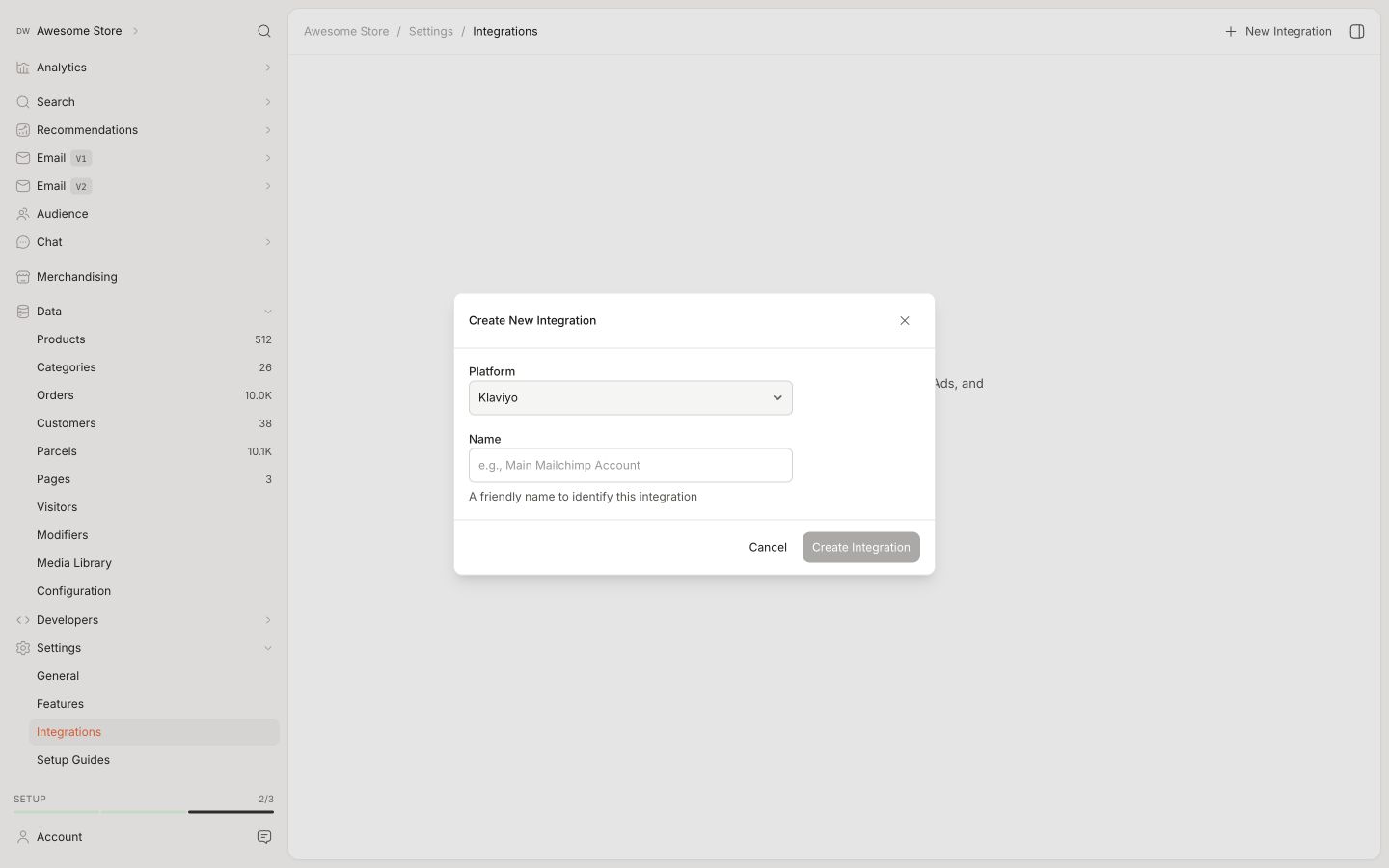
Click New Integration and choose Klaviyo.
Log in to your Klaviyo account.
Click your organization name in the bottom-left corner and go to Settings > API keys.
Click Create Private API Key.
Name the key Clerk and select Full under the scope. This gives the integration read and write access.
Click Create. Copy the private API key immediately—Klaviyo will not show it again.
Paste the private API key into the API key field in my.clerk.io.
Click Save Changes.
The integration tab will turn green when everything works as expected.
Sync audiences #
When the integration is configured, each Audience can be exported by enabling the sync on their page.
Clerk will sync email addresses daily.