Company
Report Issues
Send a detailed issue report from my.clerk.io.
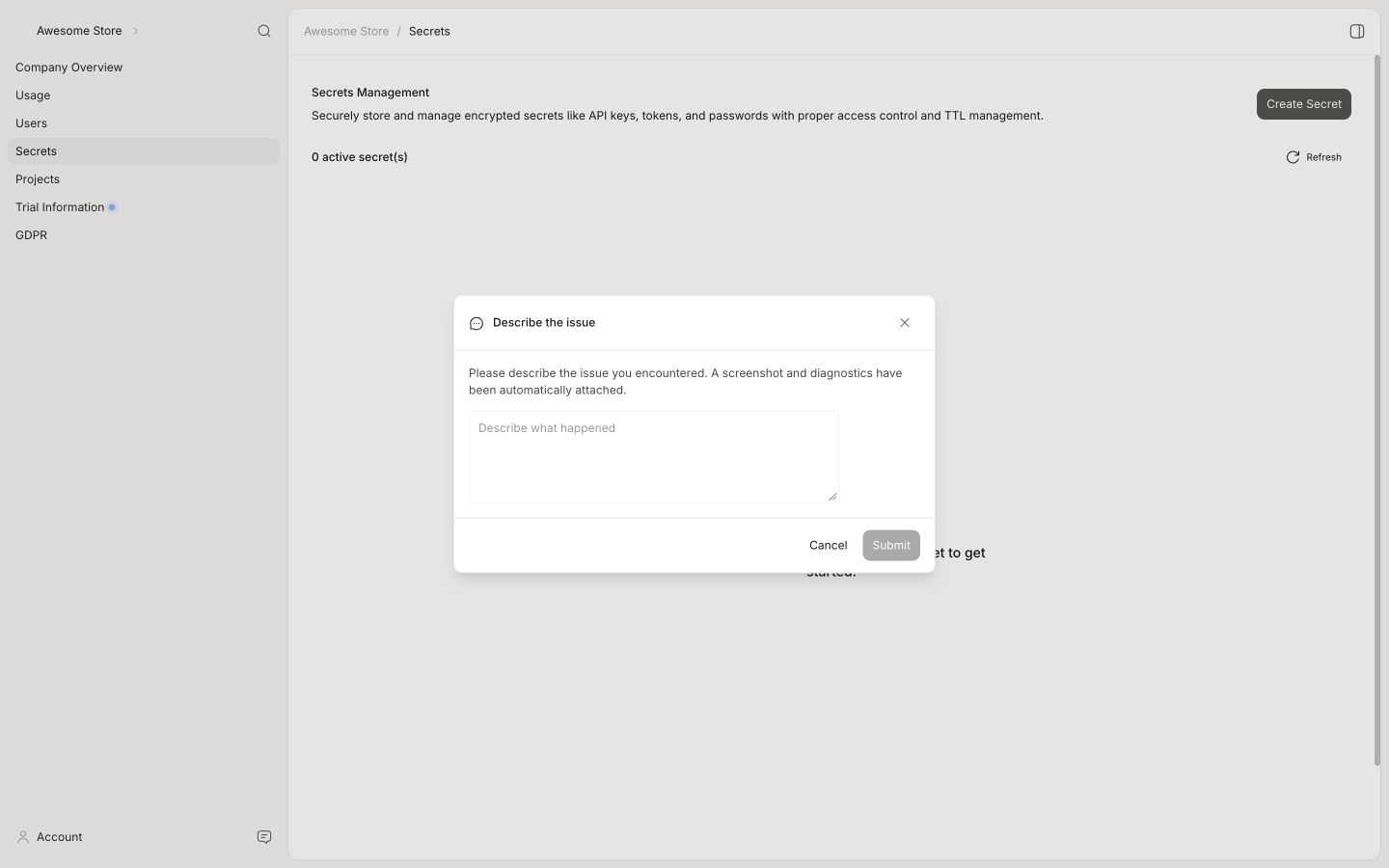
If you find a problem in my.clerk.io, you can send a report with the context needed to investigate it. The report includes a screenshot, recent browser diagnostics, and the description you provide.
Open the report #
- Open my.clerk.io and go to the page where you found the problem.
- Click Feedback in the header. The Describe the issue form opens.
- Describe what happened and what you expected to happen.
- Submit the report.
Included details #
The report automatically collects:
- A screenshot of the current page.
- The latest 200 console log entries.
- The latest 100 network requests.
- Your issue description.
Clerk.io combines these details into a structured report for the Product team. It also includes the relevant Store, Company, user, and routing information.
Follow up #
After the report is submitted, my.clerk.io shows the Linear issue ID. Keep this ID if you contact Customer Support about the same problem so the team can find the report quickly.