Search
Search Page
Make it super easy to browse thousands of results.
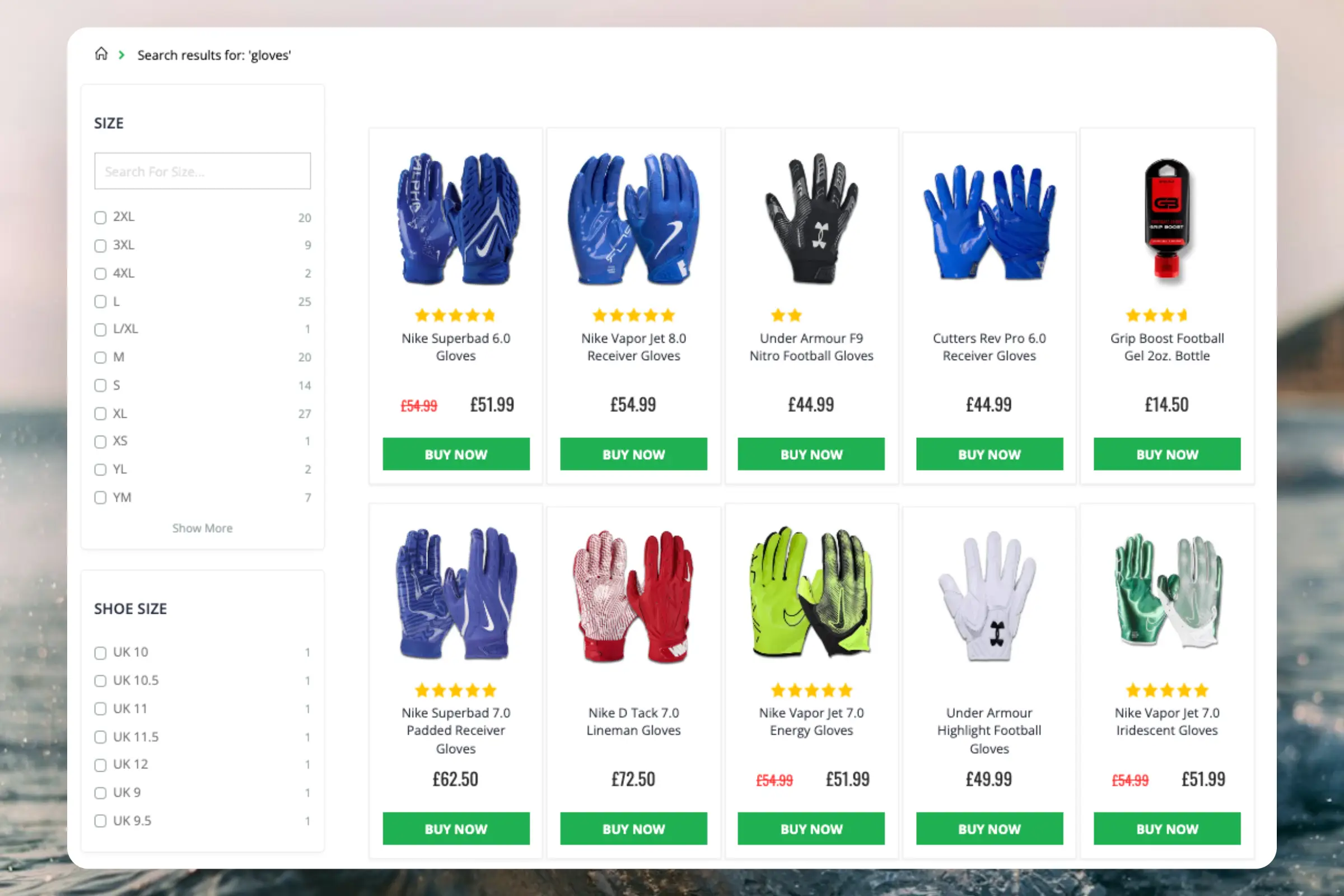
The Search Page is the browsing component of the setup that pairs it with Instant Search. The alternative is Omnisearch, which combines live results, full result browsing and facets in one overlay.
If Omnisearch is already installed, you do not need a separate Search Page. Configure result browsing and facets in your existing Omnisearch setup instead.
Overview #
The Search Page makes it effortless for visitors to narrow down the results and find the exact products they want to buy. No products are more than a few clicks away, even when there are thousands of matches.
It combines the best features from modern search engines, with an eCommerce-specific twist:
- Optimised for browsing: Shows all results either on a single page or with pagination for improved speed.
- Intelligent filters: Facets are based on any attributes available for products, and only displays filter options that make sense for any given query.
- Semantic search: Understands what the visitor means.
- Auto-corrects spelling mistakes: The visitor should not realise that they made the spelling mistake in the first place.
- Predicts customer behaviour: Matches are sorted based on how likely they are to sell right now.
Standard design #
The standard design for the Search Page includes:
- Variants dropdown support: Let shoppers choose variant attributes (e.g. size, color) before adding to cart.
- Quantity selector.
- Native Add-to-Cart button that notifies Clerk.js, ensuring analytics and merchandising stay in sync.
- Clean, well-structured markup with clear comments.
- Centralized variables for styling and behavior, making it easy to adjust colors, spacing, labels, and common options without changing core code.